> ## Documentation Index
> Fetch the complete documentation index at: https://www.voiceflow.com/docs/llms.txt
> Use this file to discover all available pages before exploring further.
# Make tool
> Connect your agent to hundreds of apps through Make scenarios.
This feature requires a paid [Make account](https://make.com/pricing). Using this tool with a free Make account will cause it to fail.
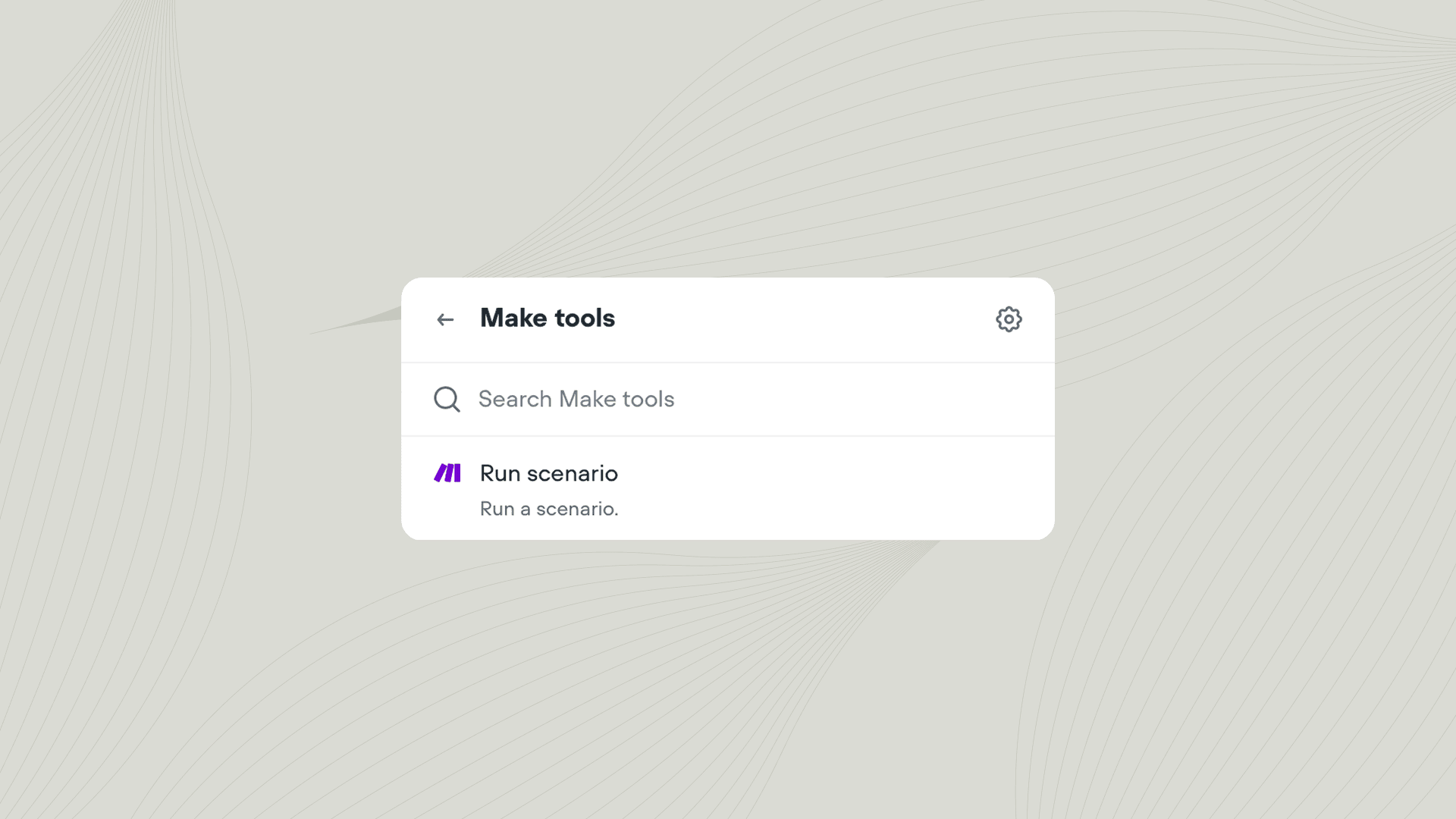 The Make tool lets your agent trigger scenarios in your Make account during a conversation. Use it to orchestrate complex automations across hundreds of apps, such as sending follow-up emails, syncing data to multiple services, or notifying your team when specific events occur.
## Using the Make tool
Add the Make tool to your agent from **Tools** → **Add tool** → **Make**. You can also add tools directly from inside a [Playbook](/docs/documentation/build/steps/playbook) or [Integration step](/docs/documentation/build/steps/integration). Once added, you can call the Make tool from inside a [Playbook](/docs/documentation/build/playbooks) or [Workflow](/docs/documentation/build/workflows).
### Actions
| Action | Description |
| ---------------- | ------------------------------------------------------------------------------------------- |
| **Run scenario** | Trigger a scenario in your Make account. You can pass data from Voiceflow to your scenario. |
When you connect a Make scenario, Voiceflow automatically detects and displays the input variables required by your scenario.
## Learn more about integrations
The best agents use tools to interact with the outside world. Learn how to get started with our bitesized course.
The Make tool lets your agent trigger scenarios in your Make account during a conversation. Use it to orchestrate complex automations across hundreds of apps, such as sending follow-up emails, syncing data to multiple services, or notifying your team when specific events occur.
## Using the Make tool
Add the Make tool to your agent from **Tools** → **Add tool** → **Make**. You can also add tools directly from inside a [Playbook](/docs/documentation/build/steps/playbook) or [Integration step](/docs/documentation/build/steps/integration). Once added, you can call the Make tool from inside a [Playbook](/docs/documentation/build/playbooks) or [Workflow](/docs/documentation/build/workflows).
### Actions
| Action | Description |
| ---------------- | ------------------------------------------------------------------------------------------- |
| **Run scenario** | Trigger a scenario in your Make account. You can pass data from Voiceflow to your scenario. |
When you connect a Make scenario, Voiceflow automatically detects and displays the input variables required by your scenario.
## Learn more about integrations
The best agents use tools to interact with the outside world. Learn how to get started with our bitesized course.