> ## Documentation Index
> Fetch the complete documentation index at: https://www.voiceflow.com/docs/llms.txt
> Use this file to discover all available pages before exploring further.
# Twilio tool
> Send SMS messages from your agent using your Twilio account.
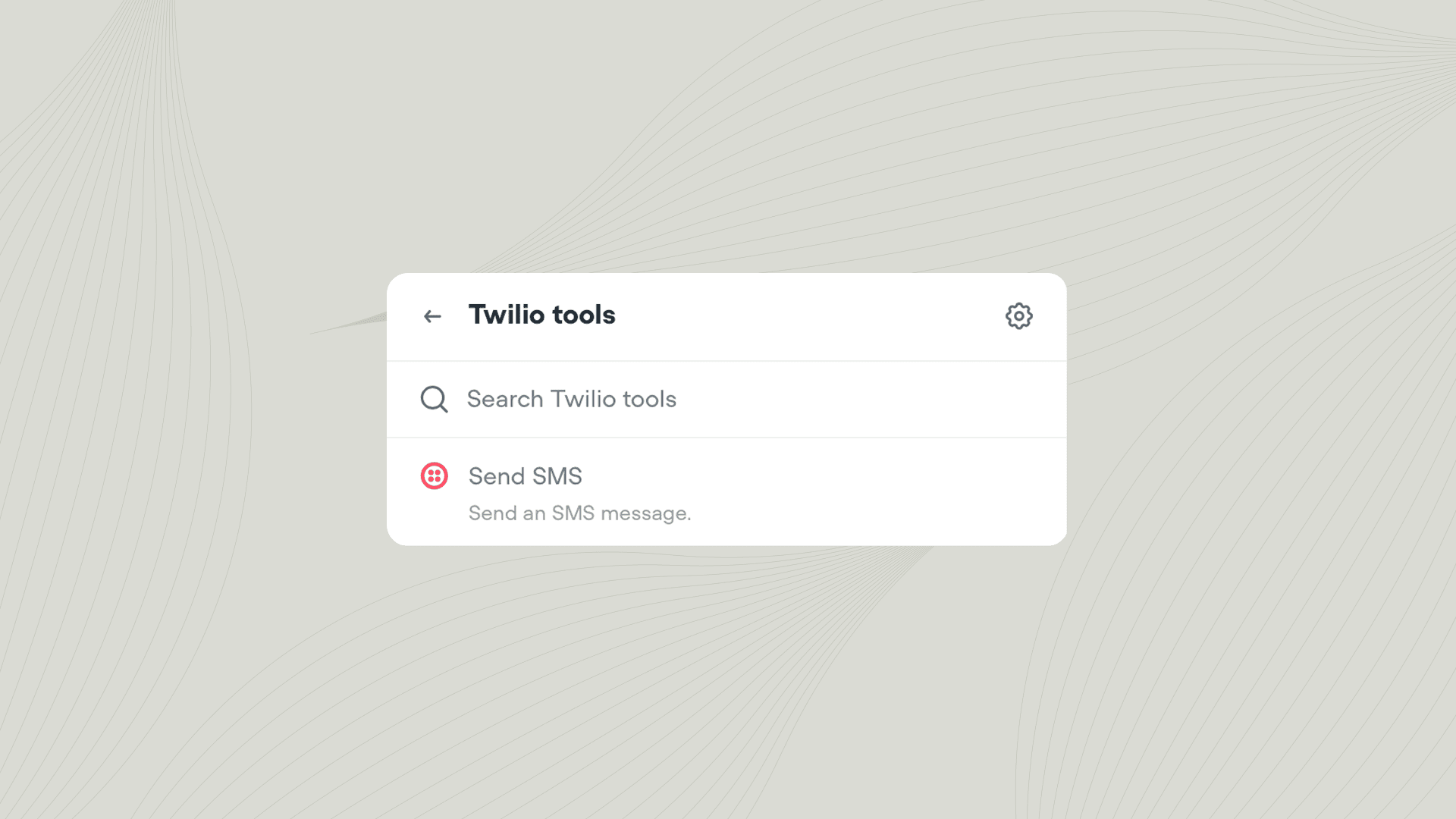 The Twilio tool lets your agent send text messages during a conversation. Use it to send confirmation codes, appointment reminders, order updates, or follow-up information to your users.
## Using the Twilio tool
Add the Twilio tool to your agent from **Tools** → **Add tool** → **Twilio**. You can also add tools directly from inside a [Playbook](/docs/documentation/build/steps/playbook) or [Integration step](/docs/documentation/build/steps/integration). Once added, you can call the Twilio tool from inside a [Playbook](/docs/documentation/build/playbooks) or [Workflow](/docs/documentation/build/workflows).
### Actions
| Action | Description |
| ------------ | ------------------------------------------------ |
| **Send SMS** | Send a text message to a specified phone number. |
## Learn more about integrations
The best agents use tools to interact with the outside world. Learn how to get started with our bitesized course.
The Twilio tool lets your agent send text messages during a conversation. Use it to send confirmation codes, appointment reminders, order updates, or follow-up information to your users.
## Using the Twilio tool
Add the Twilio tool to your agent from **Tools** → **Add tool** → **Twilio**. You can also add tools directly from inside a [Playbook](/docs/documentation/build/steps/playbook) or [Integration step](/docs/documentation/build/steps/integration). Once added, you can call the Twilio tool from inside a [Playbook](/docs/documentation/build/playbooks) or [Workflow](/docs/documentation/build/workflows).
### Actions
| Action | Description |
| ------------ | ------------------------------------------------ |
| **Send SMS** | Send a text message to a specified phone number. |
## Learn more about integrations
The best agents use tools to interact with the outside world. Learn how to get started with our bitesized course.