> ## Documentation Index
> Fetch the complete documentation index at: https://www.voiceflow.com/docs/llms.txt
> Use this file to discover all available pages before exploring further.
# Merging
> Bring another environment's changes into Main once you're ready to make them the default.
 Merging replaces `Main`'s live version with the live version of the source [environment](/docs/documentation/deploy/environments), and adds a new entry to `Main`'s version history.
#### Things to know before you merge to Main
* Merges use the source environment's live version, not its draft. Publish that environment first if you want its current edits in the merge.
* Merges replace, they don't combine. Whatever is on the source environment replaces what's on `Main` entirely. Any changes made to `Main` after the source environment was created are overwritten.
* If `Main` is protected, only workspace admins and owners can merge into it. See [environment protection](/docs/documentation/deploy/environments/overview#environment-protection).
If Main has live changes since you created your environment, clone a fresh environment from Main, apply your changes there, and merge that. This avoids overwriting recent work.
## Merging to main
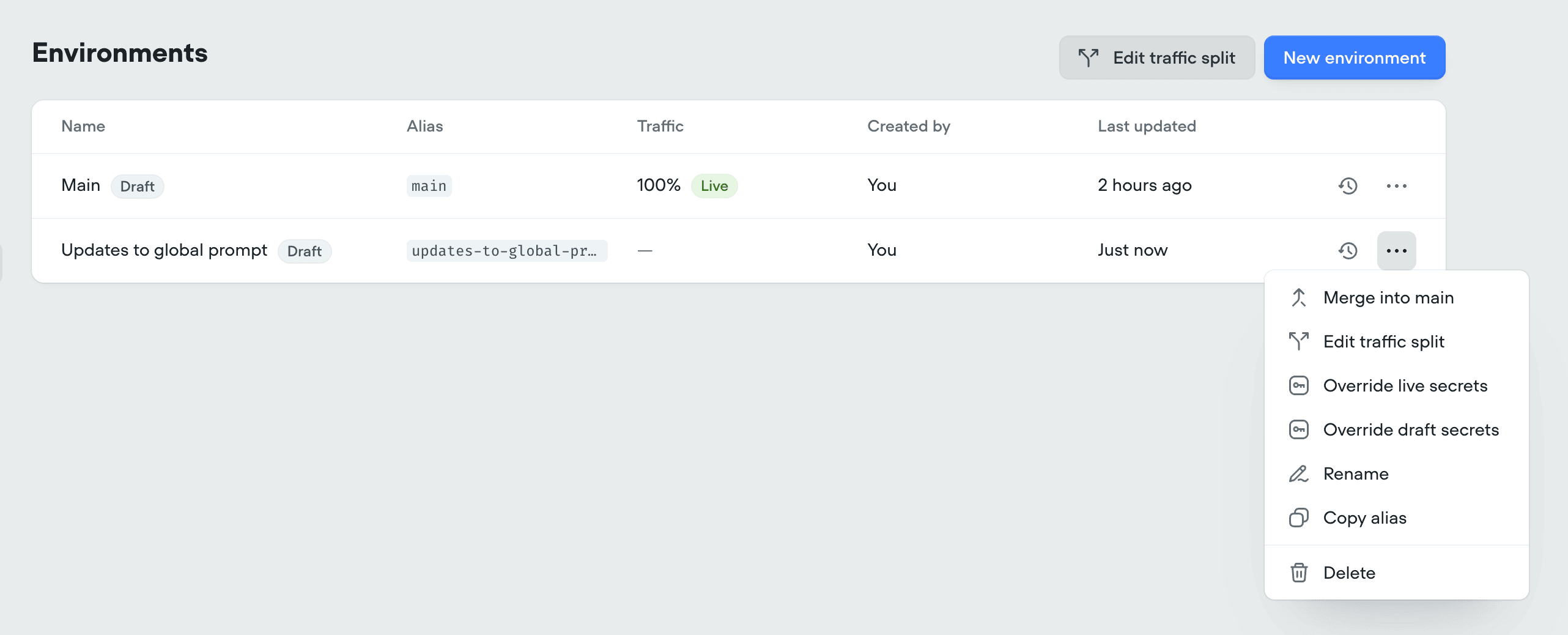
To merge a branch into `Main`, click the more button button on the environment's row in **Settings** → **Environments**.
Merging replaces `Main`'s live version with the live version of the source [environment](/docs/documentation/deploy/environments), and adds a new entry to `Main`'s version history.
#### Things to know before you merge to Main
* Merges use the source environment's live version, not its draft. Publish that environment first if you want its current edits in the merge.
* Merges replace, they don't combine. Whatever is on the source environment replaces what's on `Main` entirely. Any changes made to `Main` after the source environment was created are overwritten.
* If `Main` is protected, only workspace admins and owners can merge into it. See [environment protection](/docs/documentation/deploy/environments/overview#environment-protection).
If Main has live changes since you created your environment, clone a fresh environment from Main, apply your changes there, and merge that. This avoids overwriting recent work.
## Merging to main
To merge a branch into `Main`, click the more button button on the environment's row in **Settings** → **Environments**.
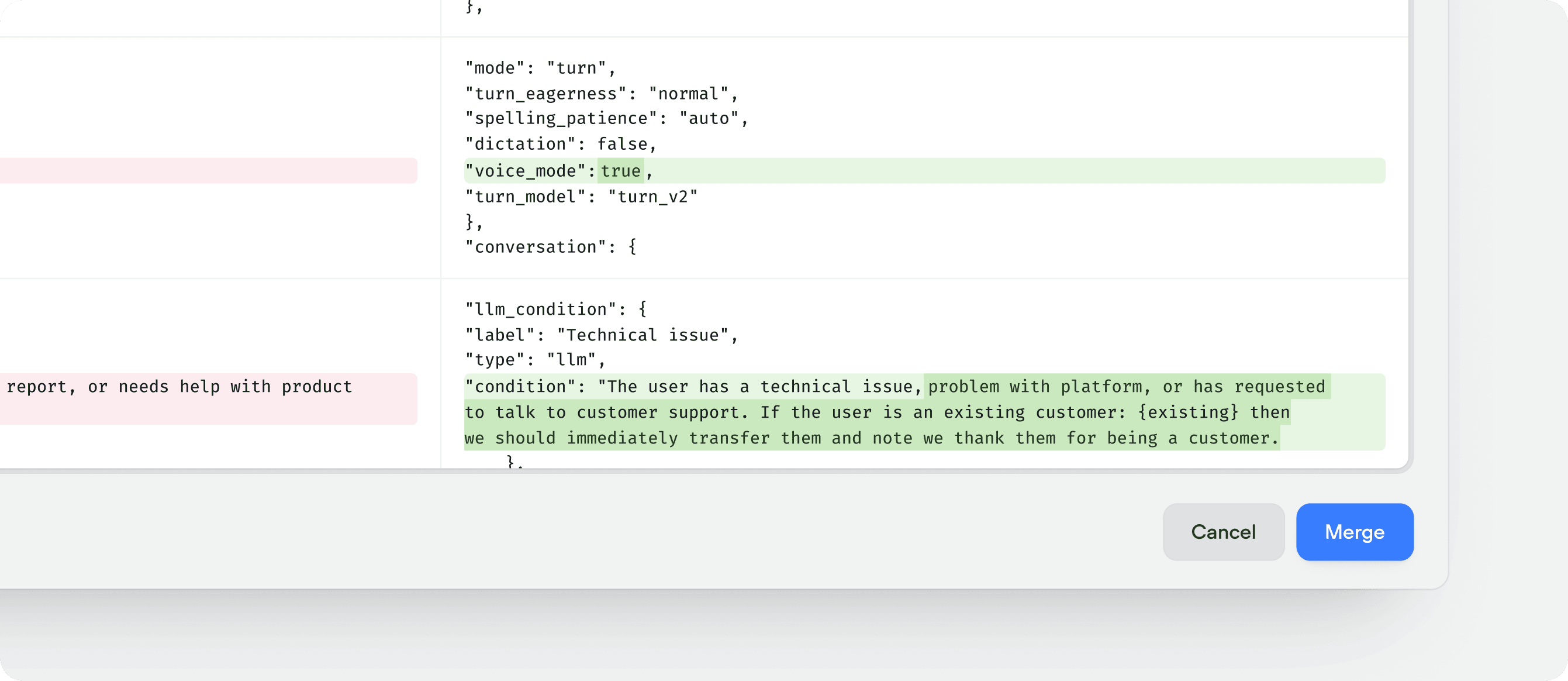
 The merge modal shows a side-by-side comparison of `Main`'s live version and the source environment's live version. Check **delete environment after merging** if you no longer need it, then click **Merge** to confirm. The new live version appears at the top of `Main`'s version history with a description noting the merge source.
If you leave **delete environment after merging** unchecked, the environment stays in **Settings** → **Environments** with its own version history intact, which is useful when you want to keep iterating on it and merge into `Main` again later.
Checking **delete environment after merging** discards the environment and its version history, including any unpublished draft changes that weren't part of the merge. Publish the environment before merging if you want those changes included.
## Reverting a merge
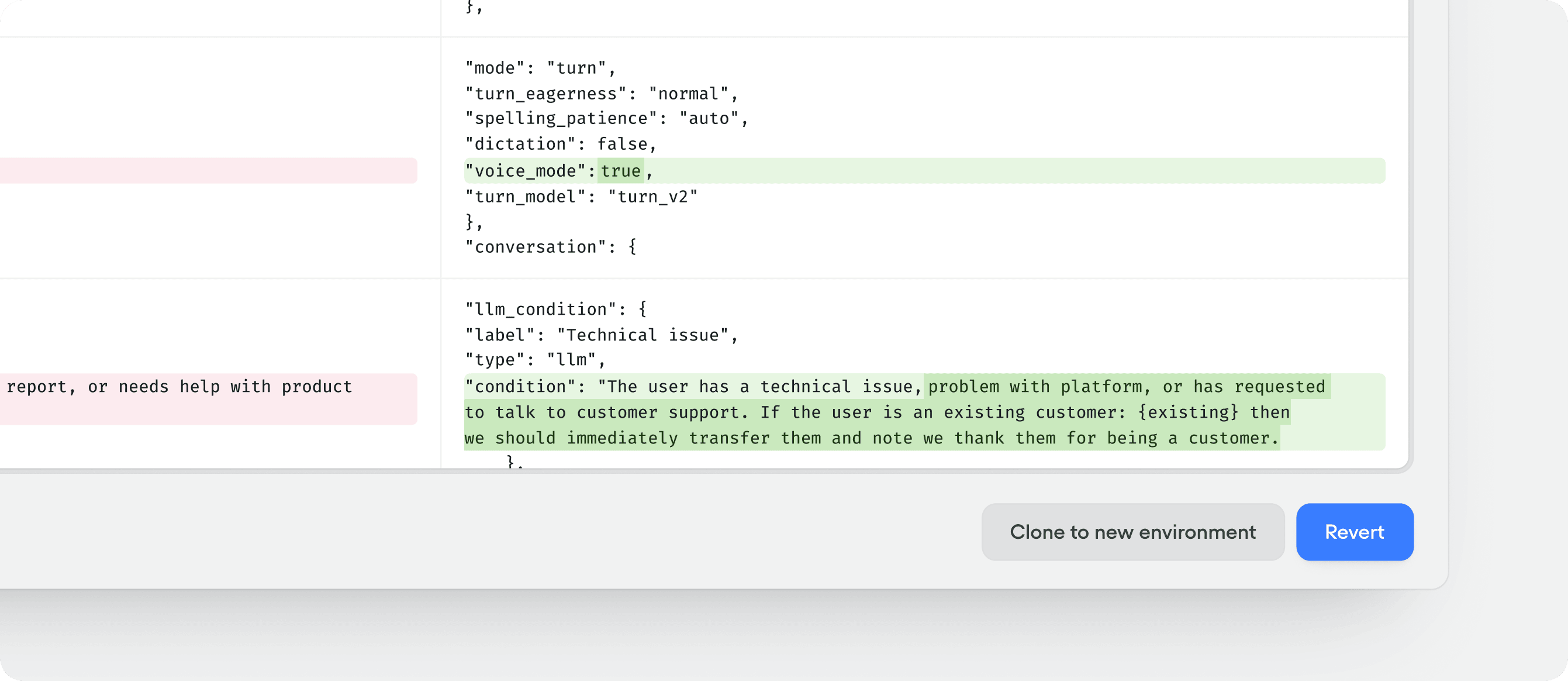
A merge is a new version on `Main`, so reverting `Main` to the previous version undoes it. Open the [version history](/docs/documentation/deploy/environments/version-history) for `Main`, pick the pre-merge version, and click **Revert**.
The merge modal shows a side-by-side comparison of `Main`'s live version and the source environment's live version. Check **delete environment after merging** if you no longer need it, then click **Merge** to confirm. The new live version appears at the top of `Main`'s version history with a description noting the merge source.
If you leave **delete environment after merging** unchecked, the environment stays in **Settings** → **Environments** with its own version history intact, which is useful when you want to keep iterating on it and merge into `Main` again later.
Checking **delete environment after merging** discards the environment and its version history, including any unpublished draft changes that weren't part of the merge. Publish the environment before merging if you want those changes included.
## Reverting a merge
A merge is a new version on `Main`, so reverting `Main` to the previous version undoes it. Open the [version history](/docs/documentation/deploy/environments/version-history) for `Main`, pick the pre-merge version, and click **Revert**.