> ## Documentation Index
> Fetch the complete documentation index at: https://www.voiceflow.com/docs/llms.txt
> Use this file to discover all available pages before exploring further.
# Publishing
> Preview your changes before publishing, see every version, and roll back when you need to.
 Each [environment](/docs/documentation/deploy/environments/overview) has a draft version that auto-saves as you edit. Publishing promotes the draft to the live version. Every publish and restore is recorded in version history, giving you a clear record of changes over time.
## Publishing a new version
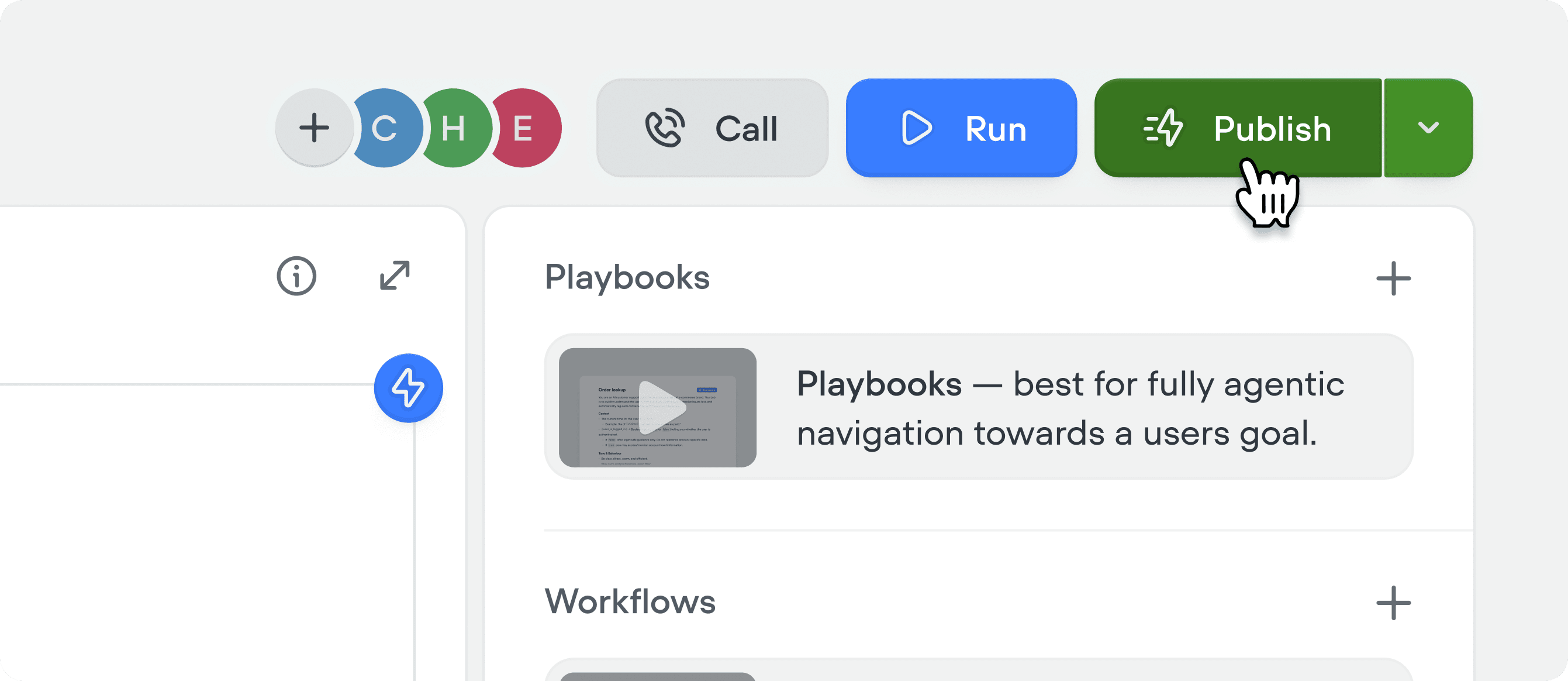
Click **Publish** in the top right corner while editing your project to open the diff view:
Each [environment](/docs/documentation/deploy/environments/overview) has a draft version that auto-saves as you edit. Publishing promotes the draft to the live version. Every publish and restore is recorded in version history, giving you a clear record of changes over time.
## Publishing a new version
Click **Publish** in the top right corner while editing your project to open the diff view:
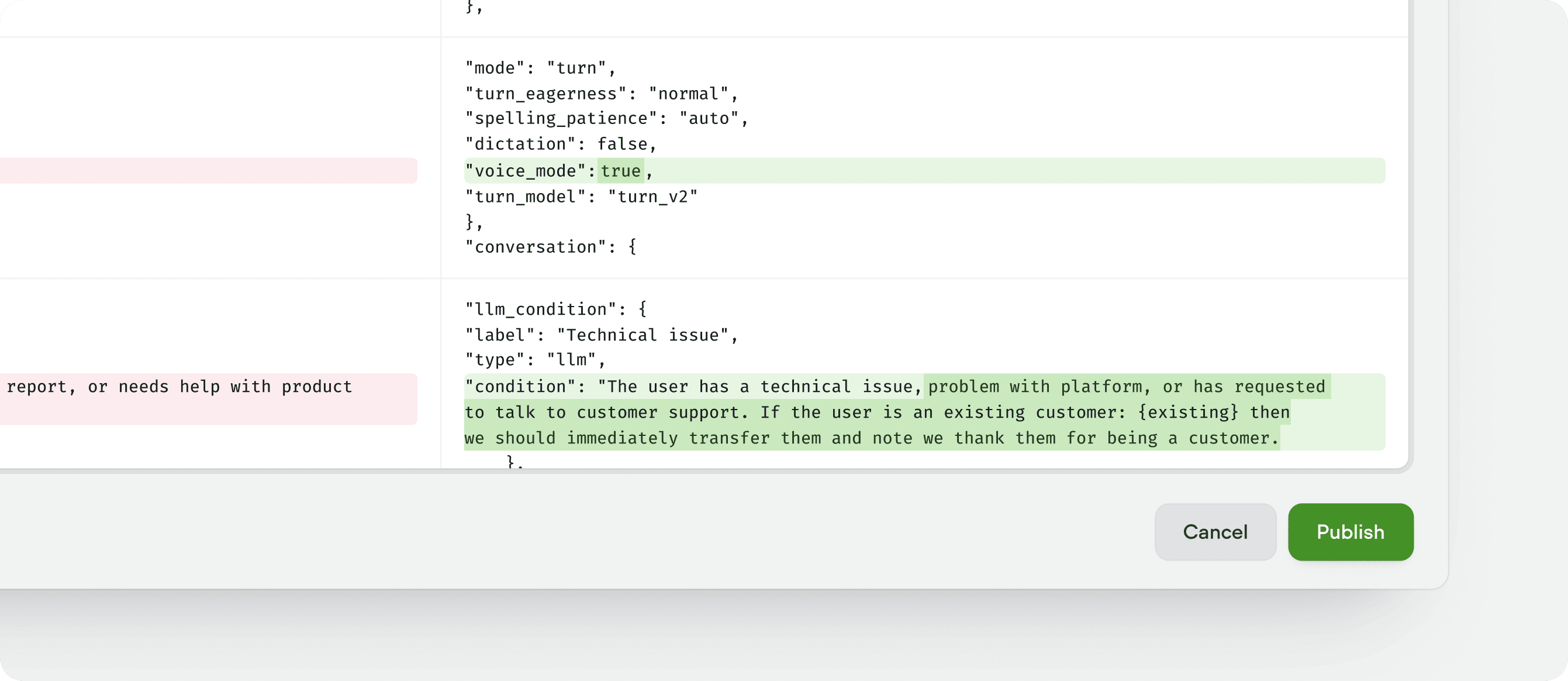 The publish view shows a side-by-side diff view of the current live version and your draft version. Give the new version a name (a version number is filled in for you), add a description of what changed, and click **Publish**. The new version replaces whatever was previously live and happens near instantly.
If the environment is protected, only workspace admins and owners can publish it. See [environment protection](/docs/documentation/deploy/environments/overview#environment-protection).
**Tip:** we recommend that you always add a version description. Without one, it's hard to track what changed across versions if you ever need to revert a change.
The publish view shows a side-by-side diff view of the current live version and your draft version. Give the new version a name (a version number is filled in for you), add a description of what changed, and click **Publish**. The new version replaces whatever was previously live and happens near instantly.
If the environment is protected, only workspace admins and owners can publish it. See [environment protection](/docs/documentation/deploy/environments/overview#environment-protection).
**Tip:** we recommend that you always add a version description. Without one, it's hard to track what changed across versions if you ever need to revert a change.