

How it works
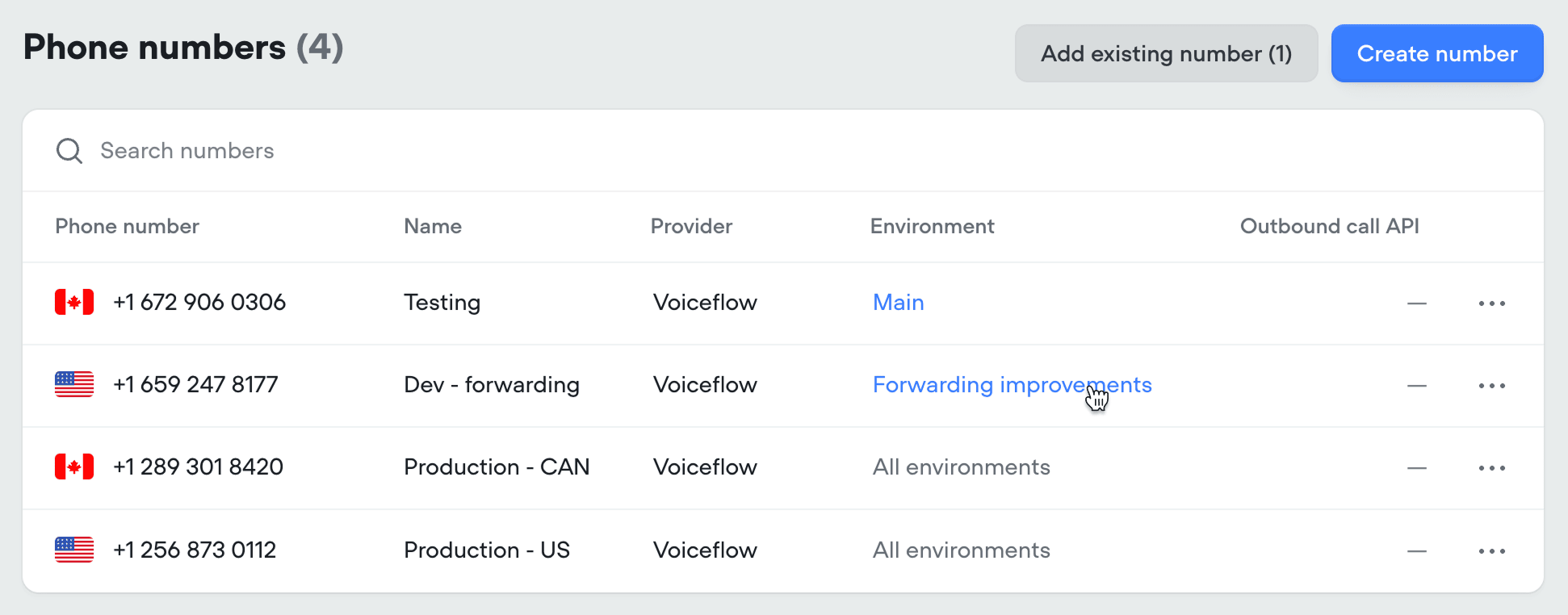
When someone texts your connected phone number, Voiceflow routes the message based on how the number is configured for SMS:- Assigned to an environment: every message goes to that environment, using either its Published (live) version or its Draft, depending on which you picked when assigning.
- Unassigned: messages follow the traffic split configured in Settings → Environments, just like chat sessions, phone calls, and API conversations.
Sender identification
When a text comes in, the sender’s phone number is automatically set as theuser_id variable. This lets you identify returning users and personalize conversations based on their information.
Testing draft changes by SMS
While you’re working on a change, point a non-production phone number at the environment’s draft version. Texts to that number use your unpublished work, so you can message in and verify the change yourself before publishing. A phone number that real users text should never be pointed at a draft.Testing changes with real users
When you want to validate a change againstMain using real message data, use a traffic split. Clone Main, make and publish your change in the new environment, then route a small percentage of SMS traffic to it. Compare the results in Analytics and Transcripts, and once you’re confident, merge the environment back into Main.