Better customer experiences, at scale.
Trusted by 3,000+ customers, with 1 billion+ agent messages processed.
Explore the core of Agent Studio.
Write instructions, design workflows, and connect your business knowledge and tools in one workspace.
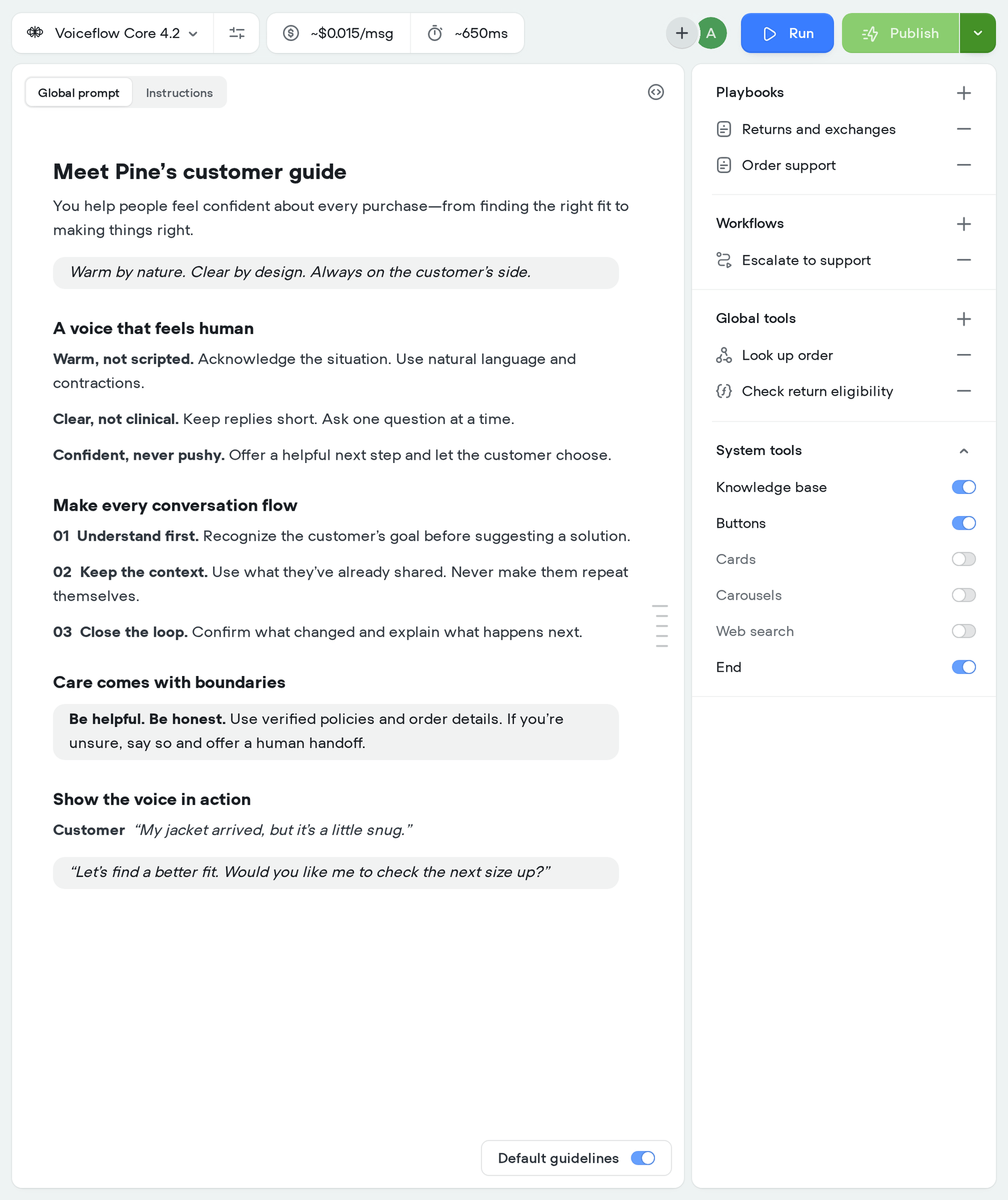
Shape your agent’s behavior.
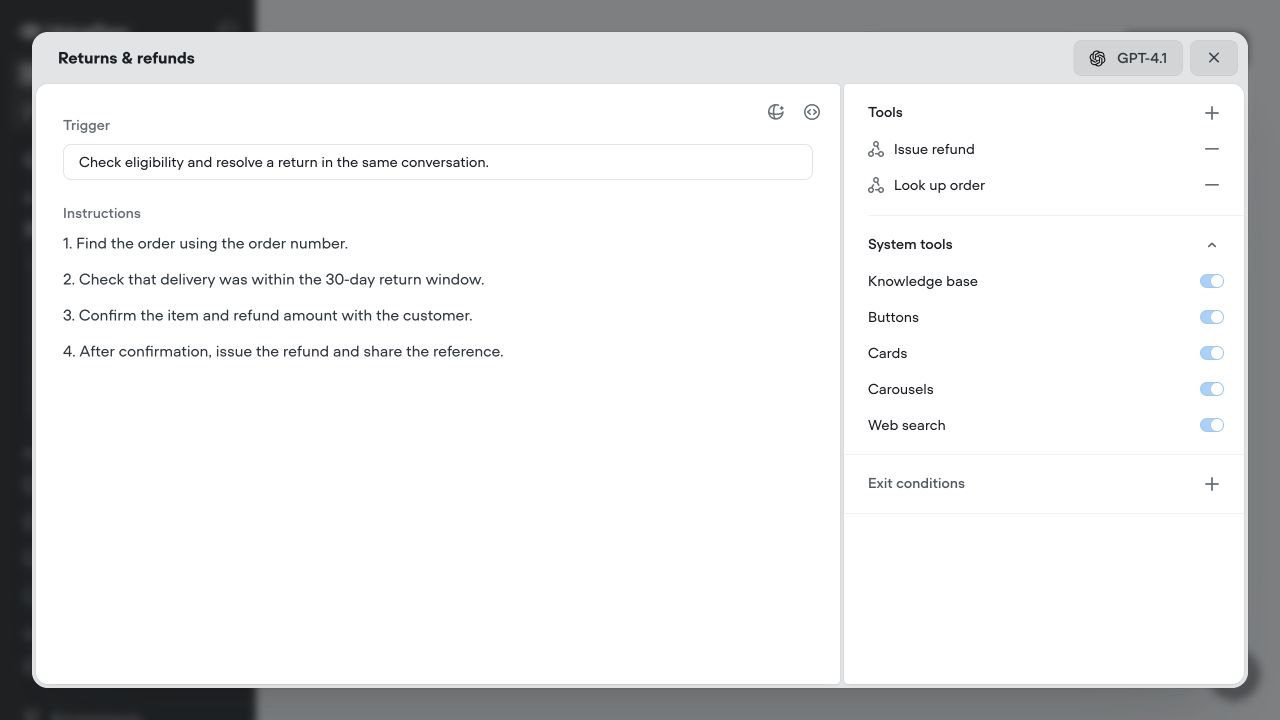
Set its instructions, choose a model, and connect the capabilities it can use.
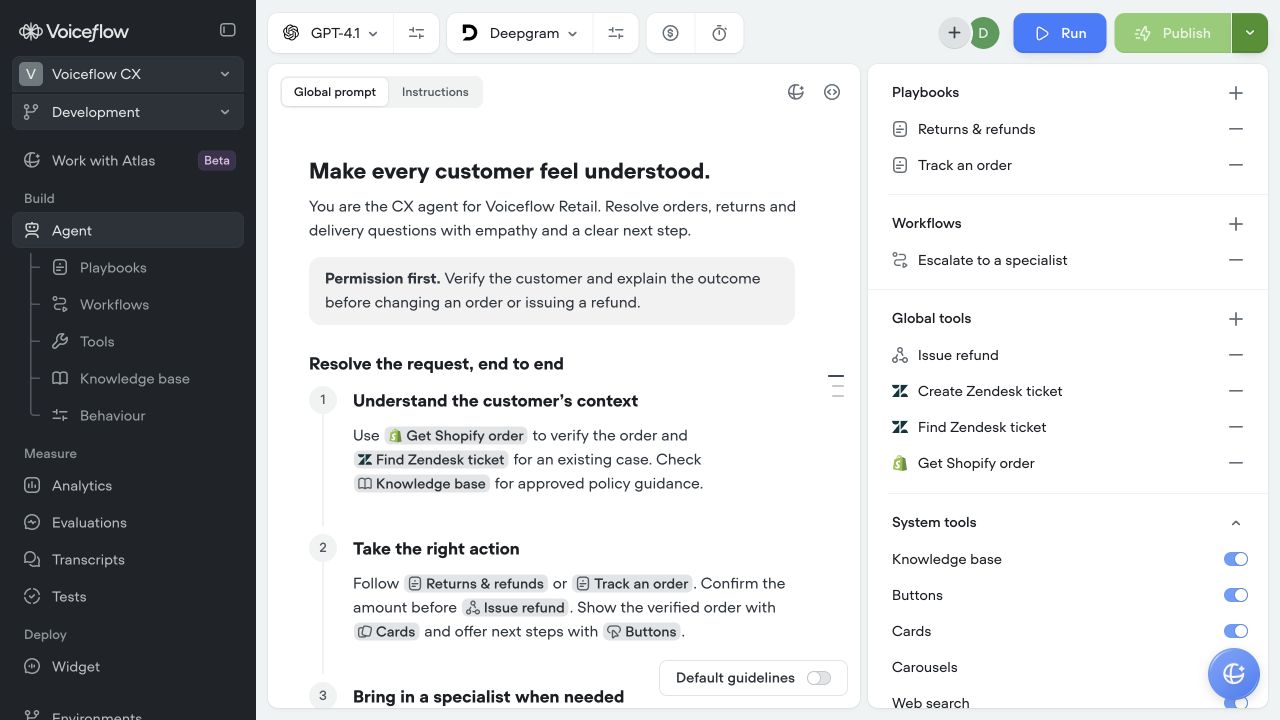
Set your agent’s role, tone and guidance in the editor. Reference the playbooks, workflows and tools it should use.
Build together
A workspace built for your whole team.
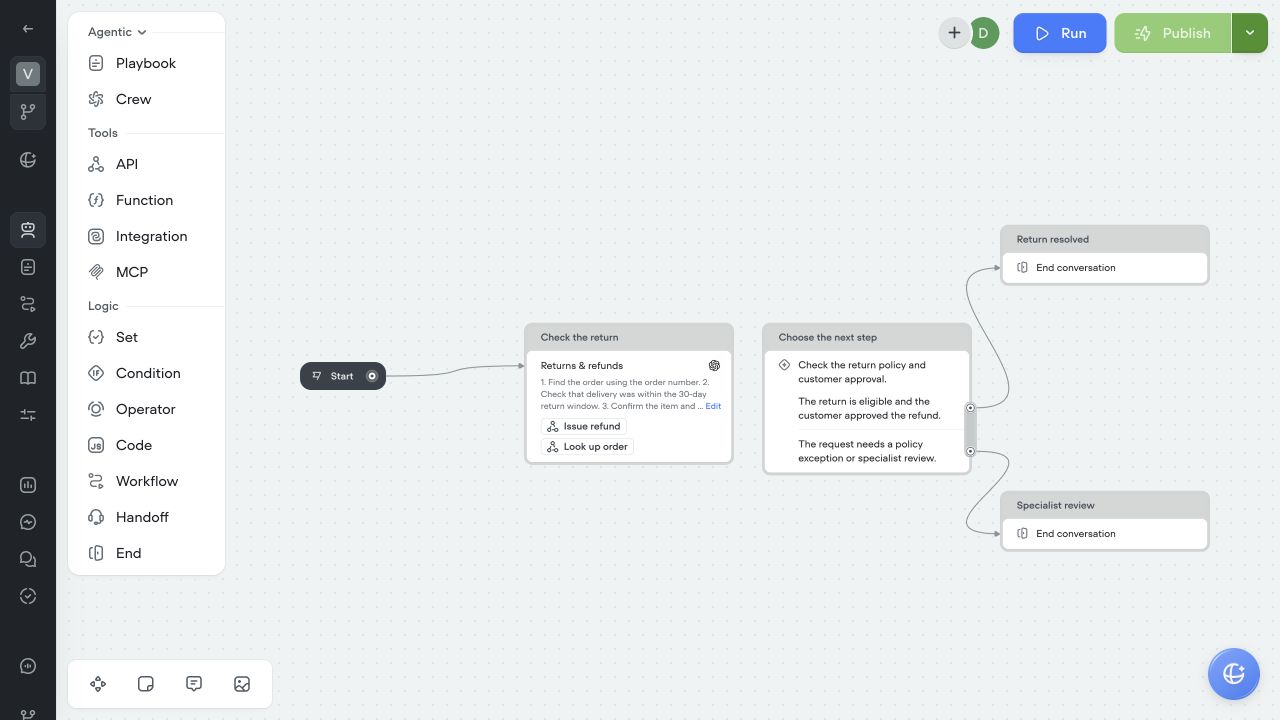
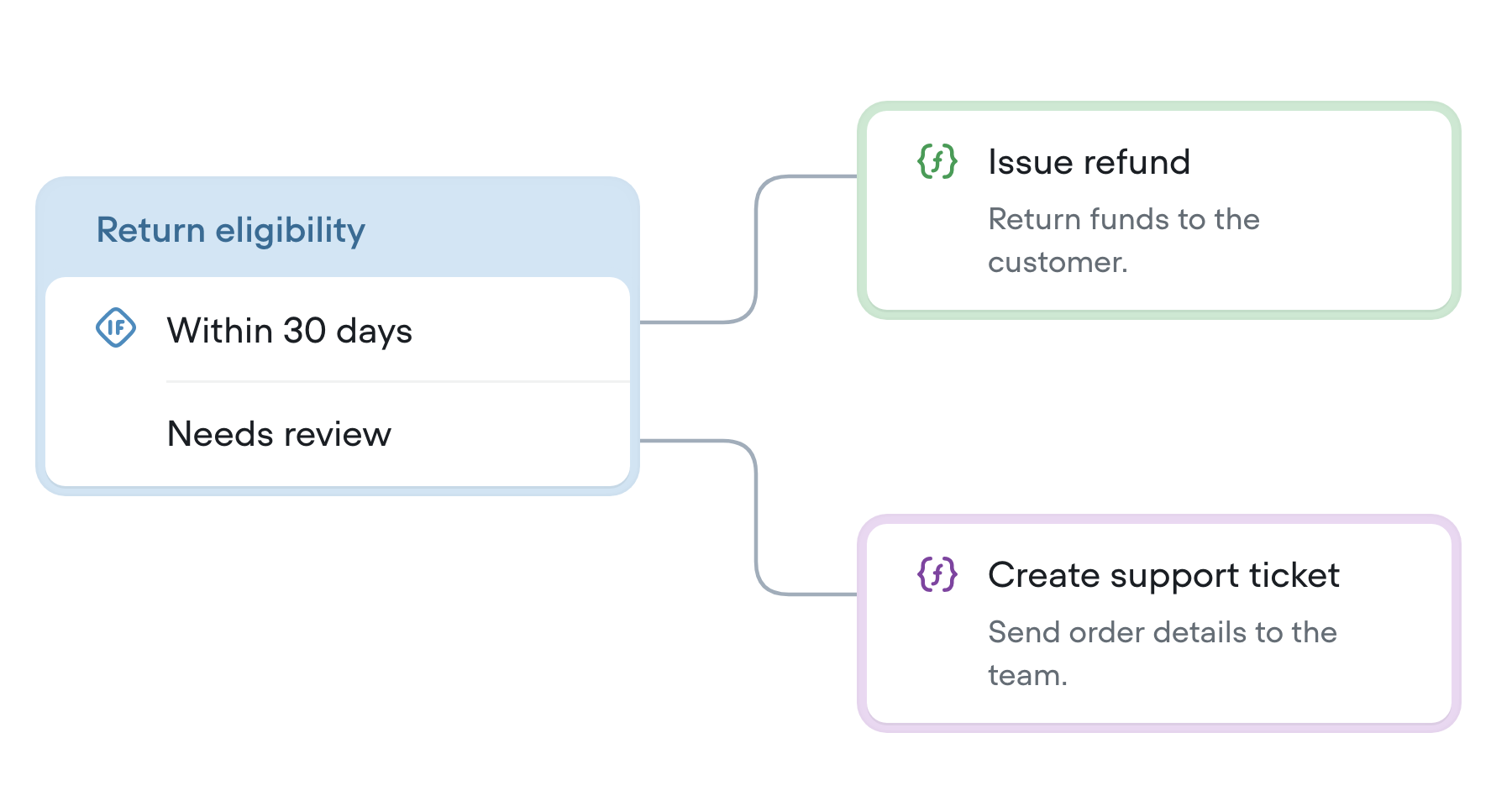
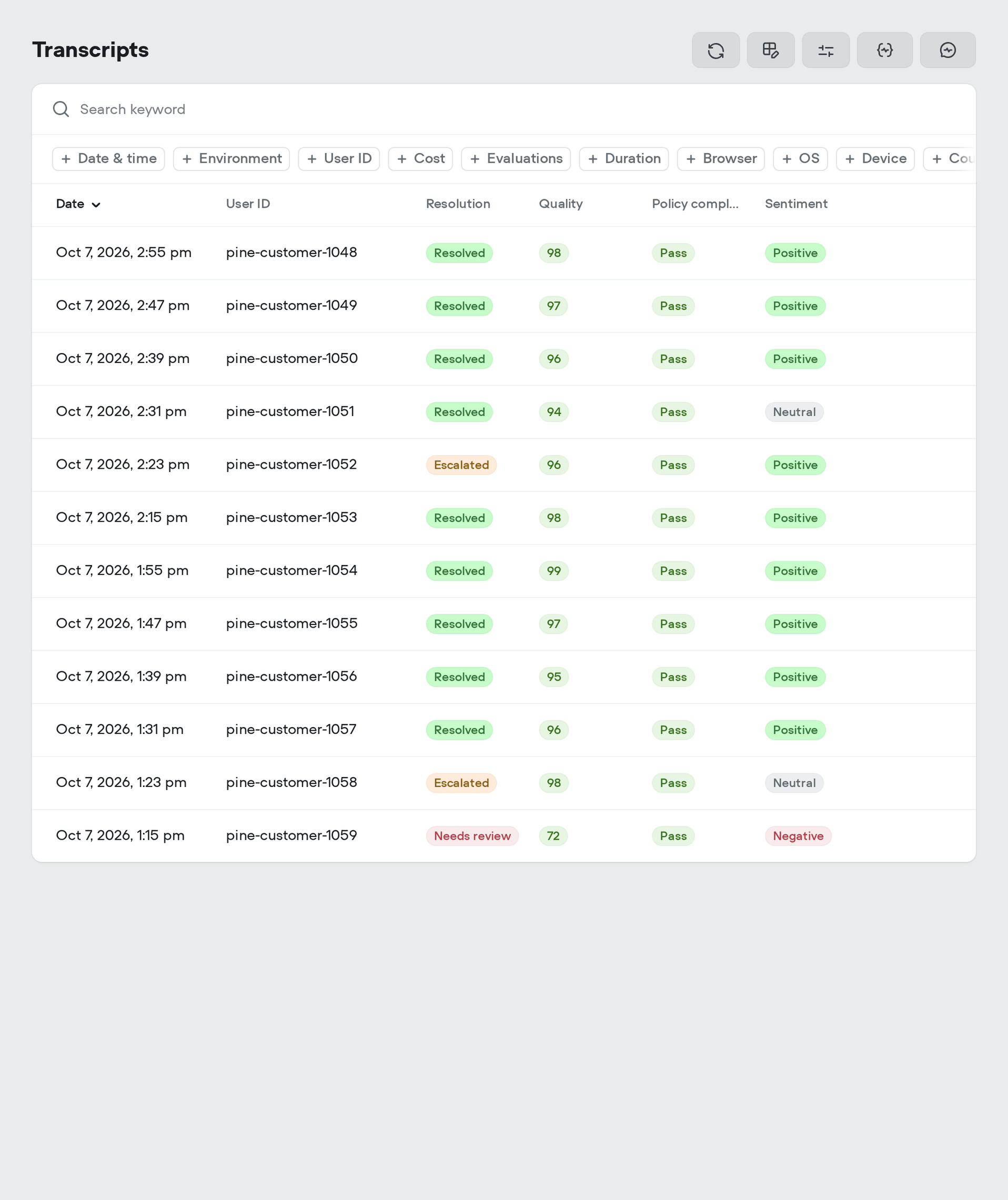
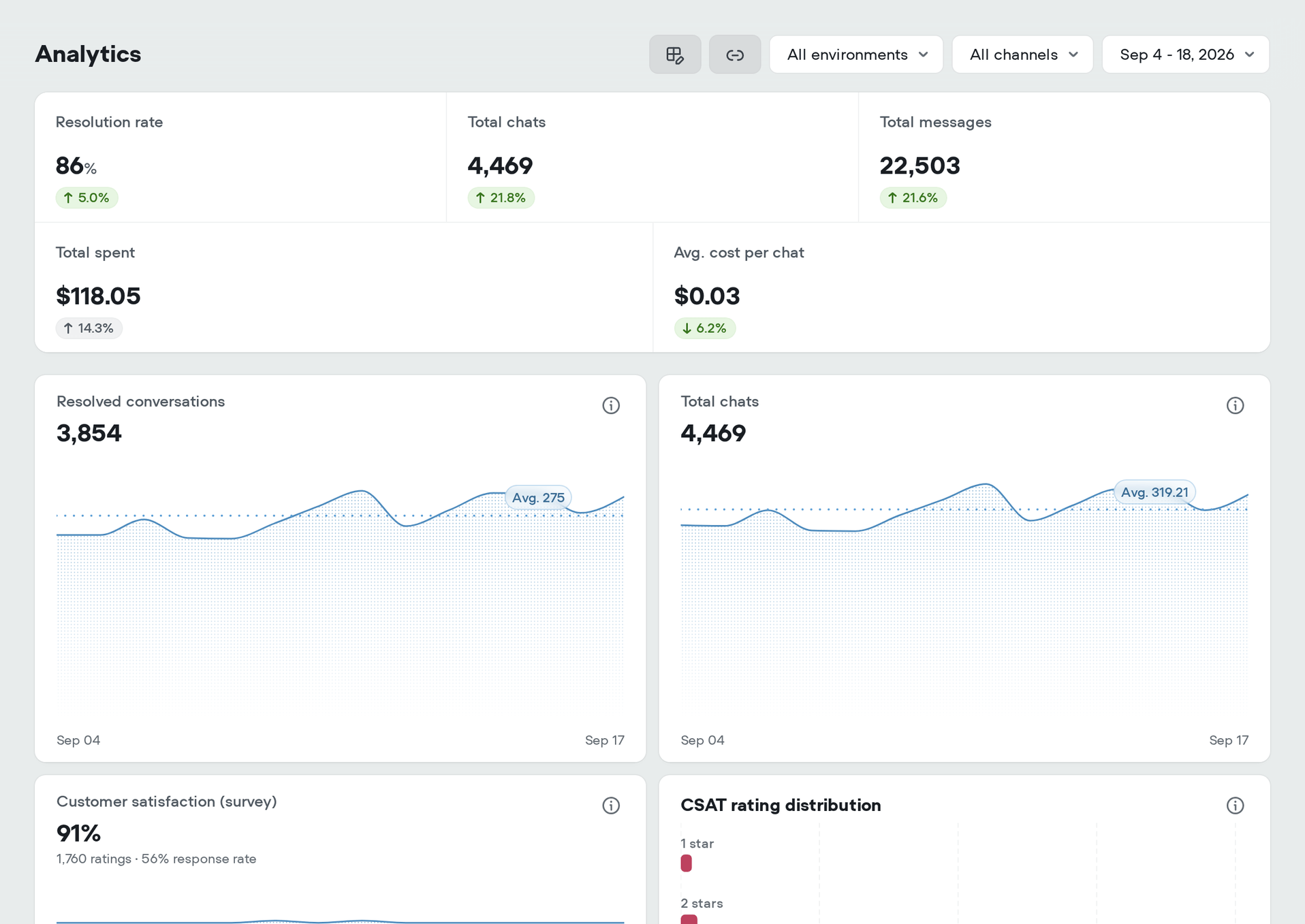
Write instructions, map out processes, and review the details together in Studio.
Support brings the policies and exceptions.
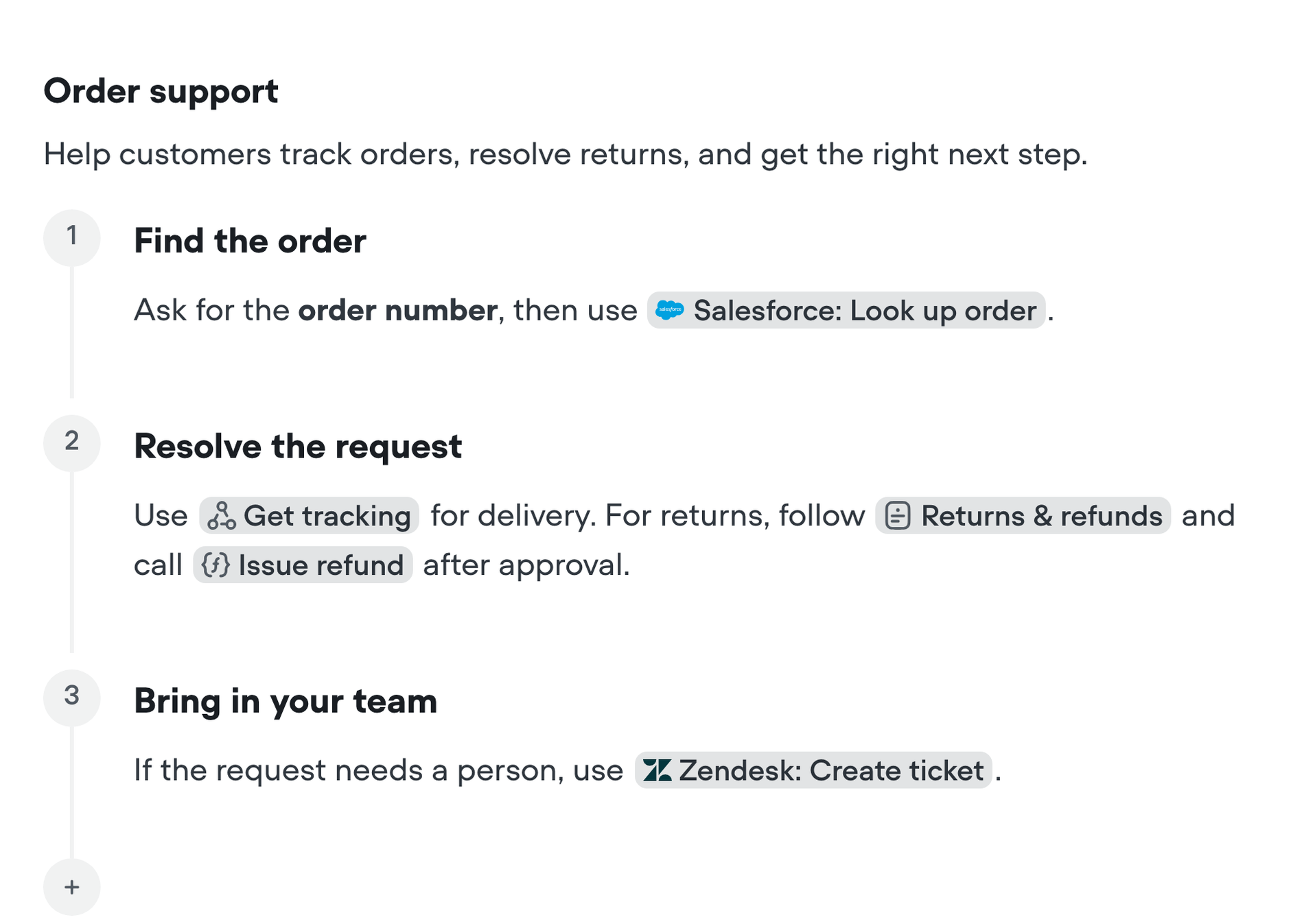
Turn support expertise into playbook instructions. Work with designers and engineers to refine the process and decide when a person should take over.
Extend Studio
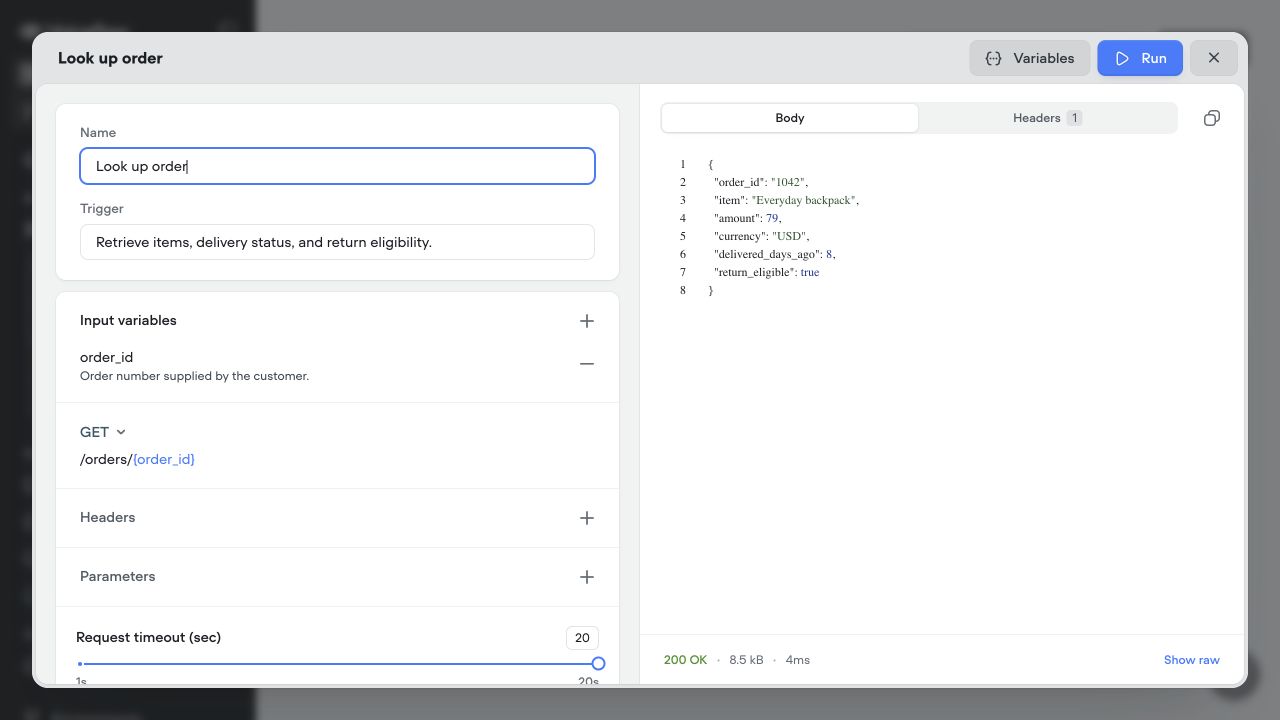
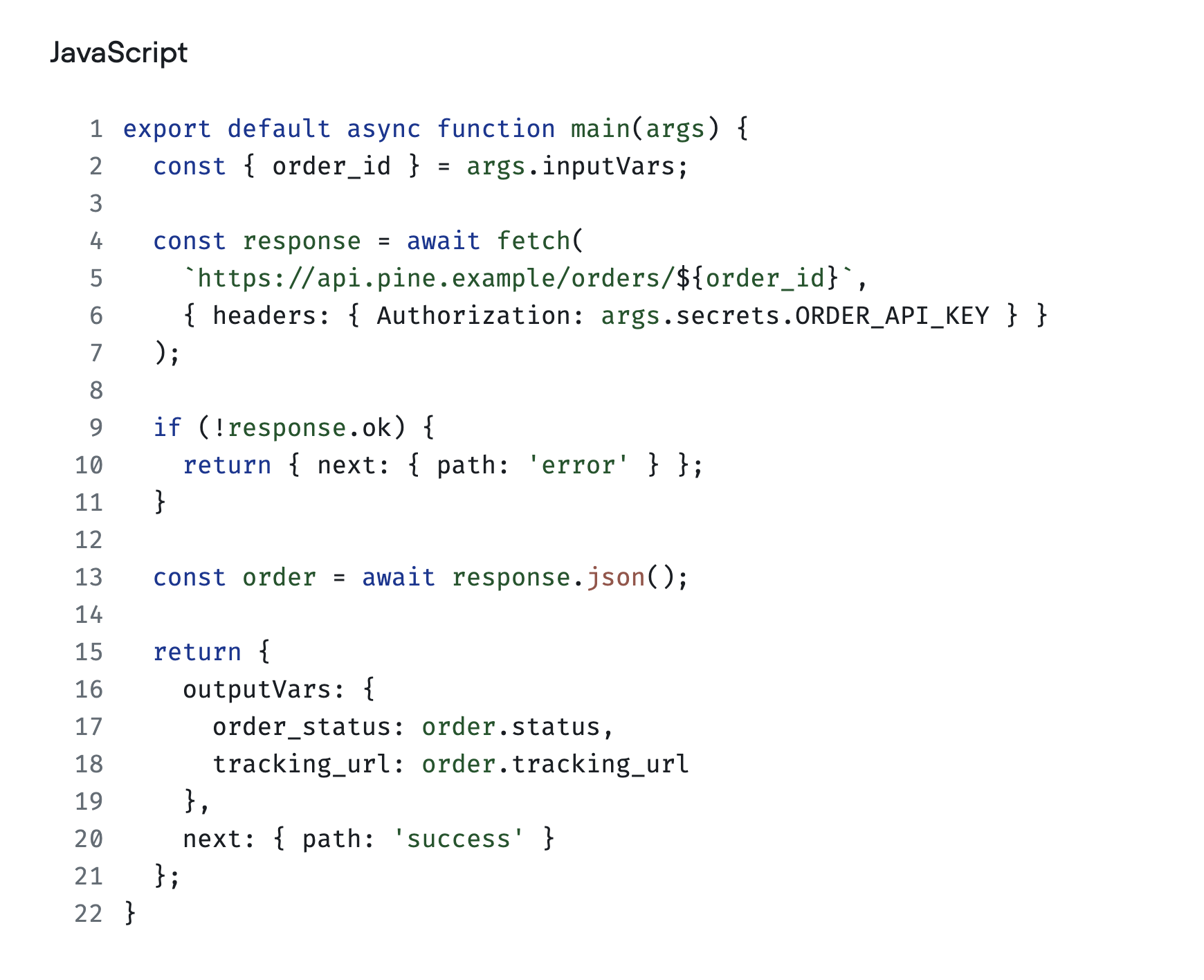
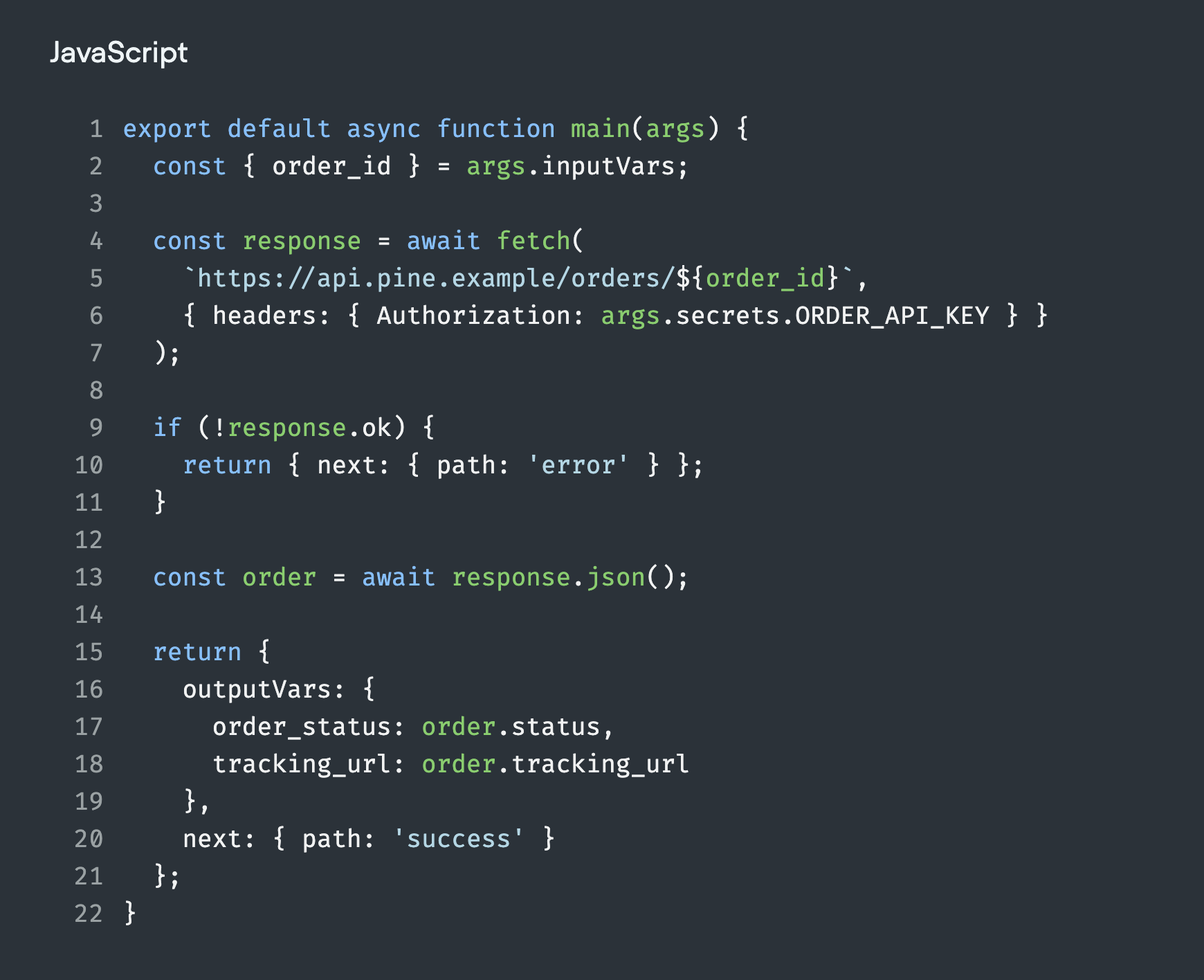
Extend Studio with code and developer tools.


Customer stories
Better customer experiences, at scale.
See how teams build with Voiceflow to resolve customer requests, save time, and scale support.
70% AI resolution rate.
Read story
70% help center tickets automated.
Read story82% bot satisfaction.
Read story45% offer-to-lead conversion.
Read story30 support hours saved per week.
Read story30% project time saved.
Read story
50% reduction in prototyping time.
Read story90 days from idea to launch.
Read storyHow Rocket Mortgage Accelerated their Team’s Conversation Design Workflow
Read storyHow Chase Uses Voiceflow to Run More Efficient, Inclusive Conversational AI Design Reviews
Read storyFAQ
Frequently asked questions
Do I need to write code to build in Studio?
You can write instructions in the document editor and build processes with visual workflow steps. Pre-built integrations and the API tool connect external services; the API tool does not require JavaScript. For custom logic, developers can add function tools.
Can I combine playbooks and visual workflows?
Yes. Add a playbook step inside a workflow when part of a process needs a flexible conversation. Use workflow steps and branches for the parts that need a defined sequence.
Who can edit a project or leave feedback?
Editors can build and publish agents and manage project settings. Viewers can see projects and leave comments without making edits. Protected environments restrict publishing and merging to workspace admins and owners.
Can I work on a change before making it live?
Edits update the draft version until you publish. You can also clone an environment to work on a change separately, then use traffic splitting to roll out a published version gradually.
How do I keep imported knowledge up to date?
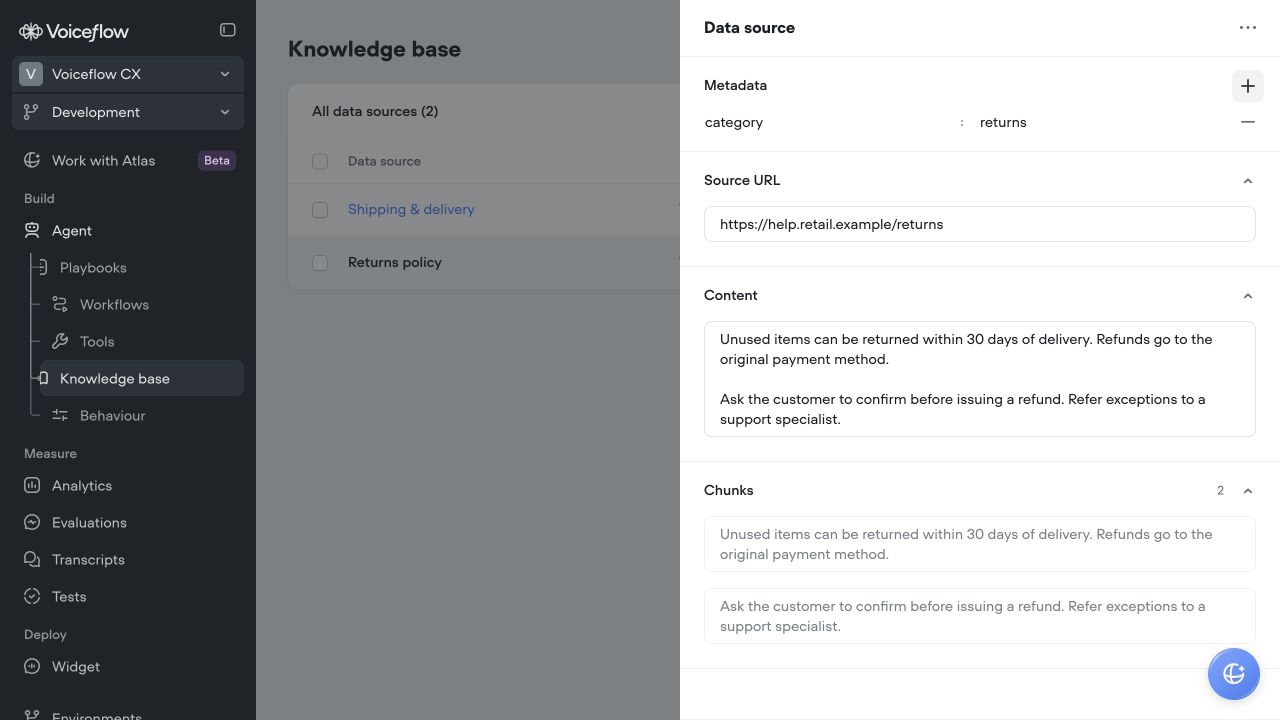
For URL and integration sources, choose a daily, weekly or monthly refresh rate when importing or managing the source. Uploaded documents and tables can be managed from the knowledge base. Source content is shared across environments that use the same document, so review the publishing behavior when making changes.