
Voiceflow named a 2026 Best Software Award winner by G2
Read now
AI agents for Salesforce
Voiceflow agents understand what each visitor needs and take action in Salesforce, creating leads, updating contacts, and opening cases so your team picks up clean records instead of doing manual data entry.
Trusted by leading enterprises


Connect Voiceflow to Salesforce and your agent takes real action on the records that matter: leads, contacts, and cases. It creates and updates records directly, so the people who follow up start with clean, current data.
The agent collects the details that matter, like company, team size, and intent, then creates a new lead in Salesforce or updates an existing one so sales picks up a qualified, ready-to-work record.
“I want a demo for a 200-person support team”
When a customer needs help, the agent opens a new case, updates the status or fields on an existing one, and appends a comment so your support team has the full context.
“My account is locked and I can’t log in”
The agent adds new contacts to Salesforce and edits details on existing contact and lead records, keeping names, roles, and account info accurate as conversations happen.
“Please update my email and job title on file”
Answer and act together
Your agent answers questions from your connected Voiceflow Knowledge Base, then turns the conversation into the right CRM action. It qualifies the visitor, creates the lead or case in Salesforce, and routes the right people to follow up, all in one exchange.
Writes leads, contacts, and cases straight into Salesforce.
Keeps your CRM current without manual data entry.
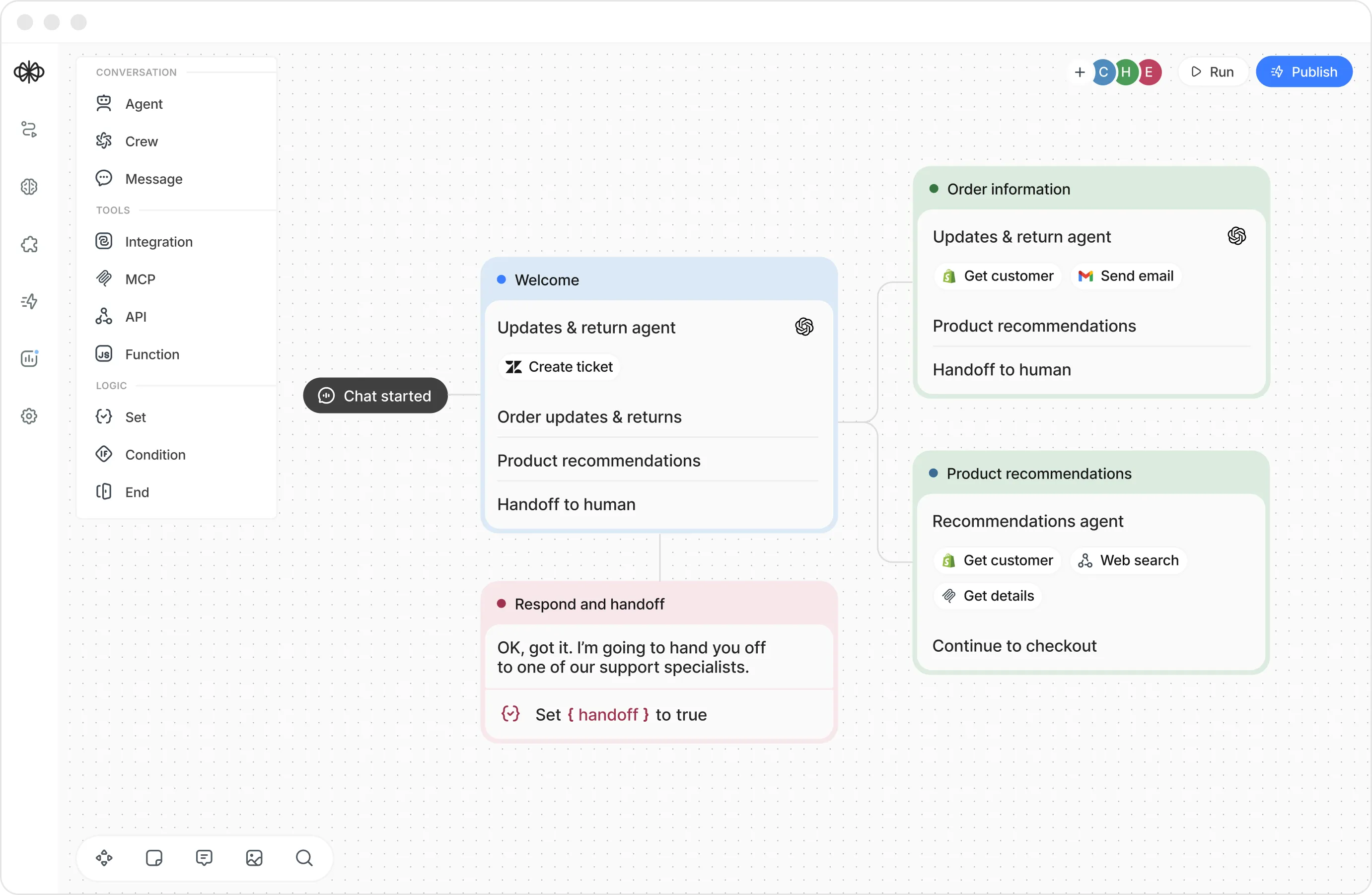
Tag, set priority, and route each ticket to the right support group based on the customer's request.
Look up the customer, their groups, and ticket history before the agent responds or escalates.
When a human is needed, the agent passes the full conversation and adds a private summary note.

Voiceflow is built with security, privacy, and governance at the core, so you can deploy AI agents with confidence. SOC 2 Type II and ISO 27001 certified, GDPR and HIPAA compliant, with SSO, role-based access, and encryption in transit and at rest.
“Voiceflow is most helpful to devise and construct conversational chatbot and voice solutions in an easy and efficient way, enabling us to promote and share with business stakeholders.”
Yes. Connect your Salesforce org to Voiceflow and your agent can take action on CRM records as part of any conversation, with the control and governance enterprise teams expect.
The integration works with Leads, Contacts, and Cases. Your agent can create a lead, contact, or case, update an existing lead, contact, or case, and add a comment to an existing case.
Answering is handled by your connected Voiceflow Knowledge Base, not Salesforce. The Salesforce integration performs CRM record actions like creating and updating leads, contacts, and cases.
Yes. The agent acts inside your own Salesforce org through the connection you authorize, and Voiceflow gives enterprise teams the access and governance controls to manage what the agent can do.
Can the agent look up or read existing Salesforce records?
No. The integration creates and updates leads, contacts, and cases, and adds comments to cases. It writes records, it does not read them.
How do I set up the Salesforce integration?
Add the Salesforce tool to your agent, authenticate your Salesforce org, and choose which actions to enable. Book a demo and our team will help you scope it.
Can a human take over when needed?
Yes. The agent can hand off to a live agent with the lead or case already created, so the person picks up with full context.
Can actions run on a fixed path or autonomously?
Both. Use a deterministic Integration step for a set path, or let the agent act inside a Playbook. You choose per use case.
.avif)
.avif)