Voiceflow named a 2026 Best Software Award winner by G2
Read now

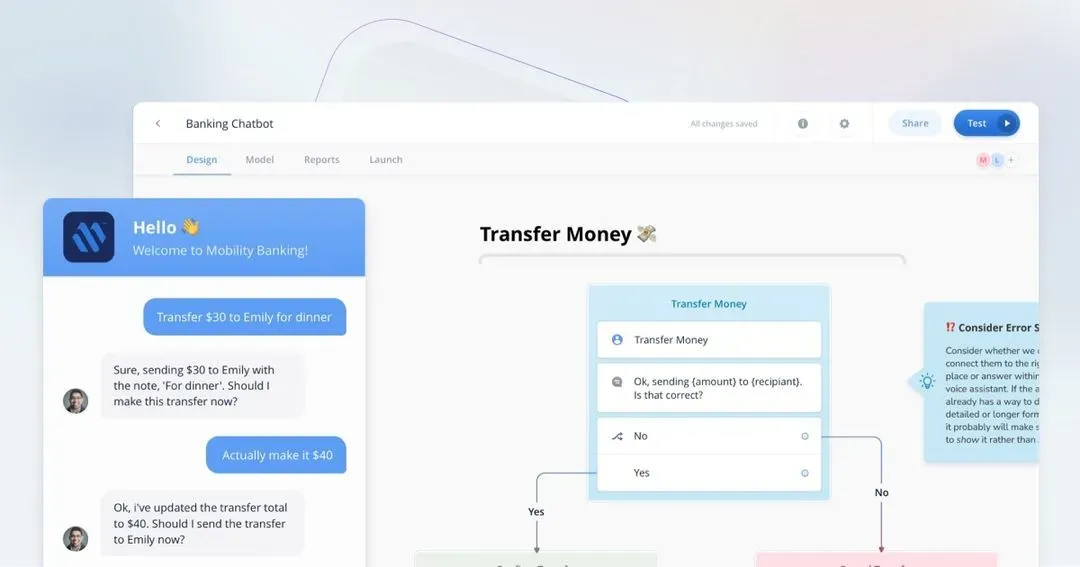
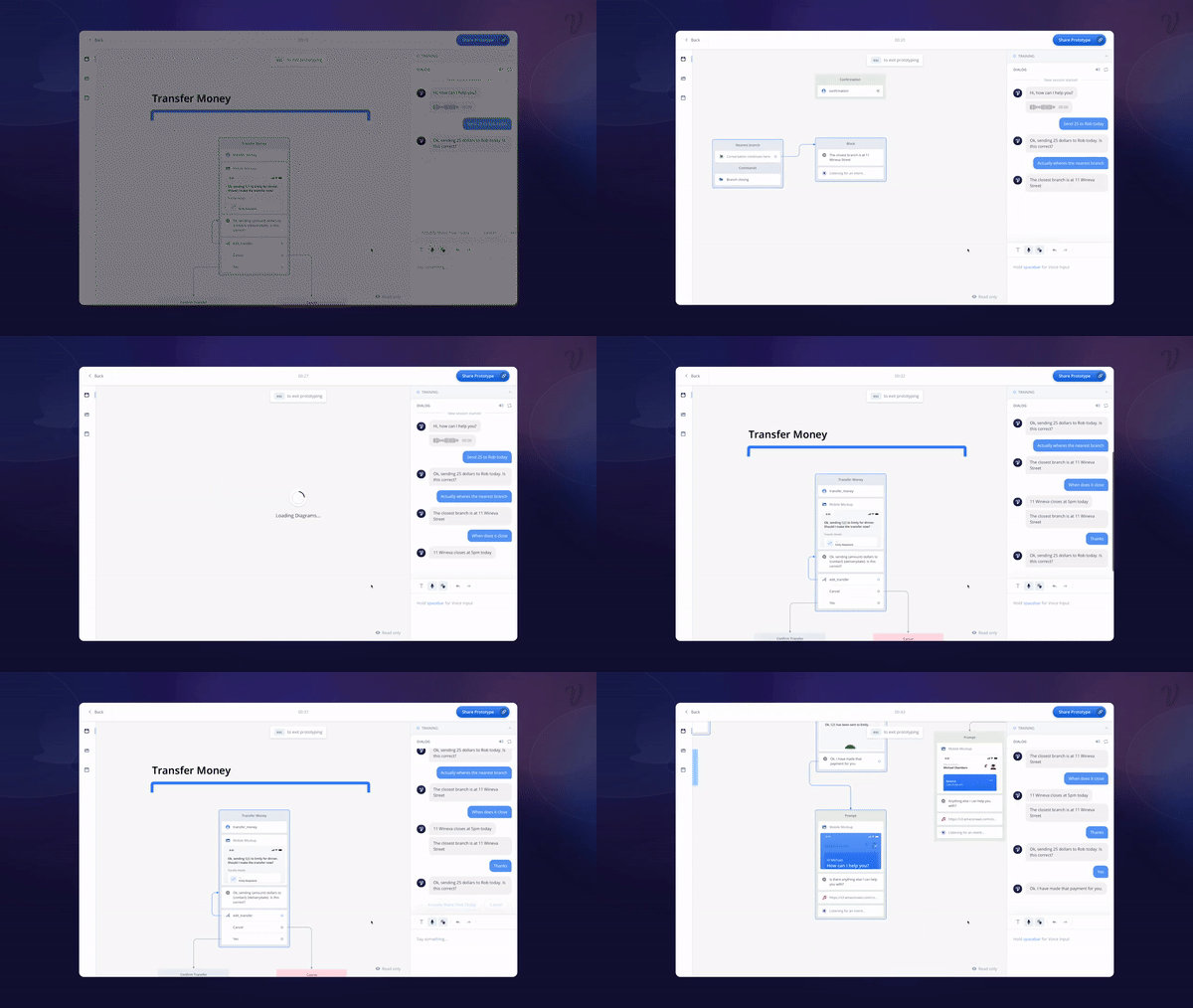
Flows and reusable components are more than just an organizational tactic; they're a powerful function for increasing speed and maintaining quality as your conversation design expands.
As conversations become more complex, it's important to break a design into re-usable parts for quick and organized work. "Flows" make accessing and reusing a function very easy.
For Example:
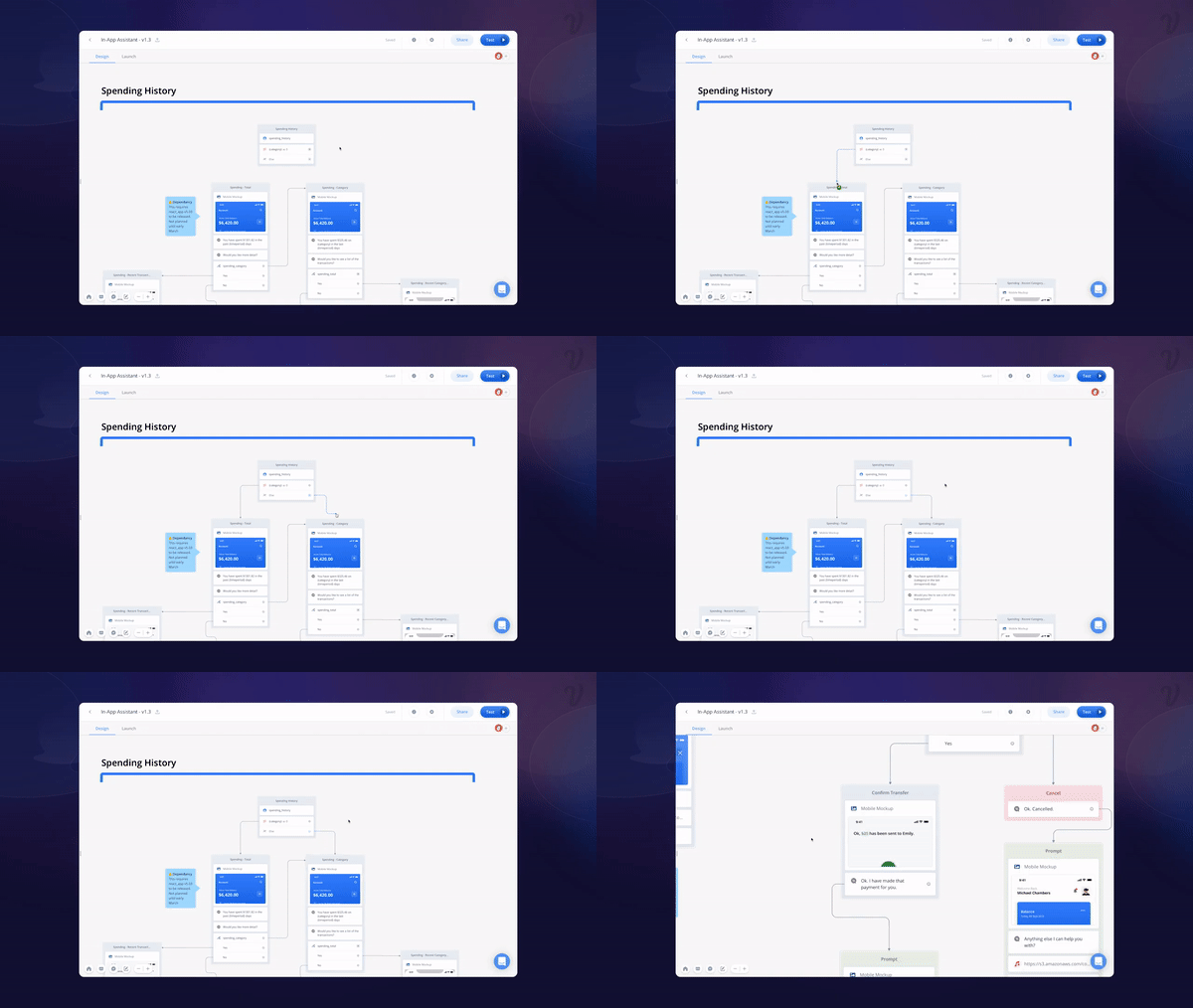
Take a bank assistant. The conversation designer working on the project needs to clearly define a set of top-level functions - welcome, transfer money, spending history - to improve their own workflow and the user experience.
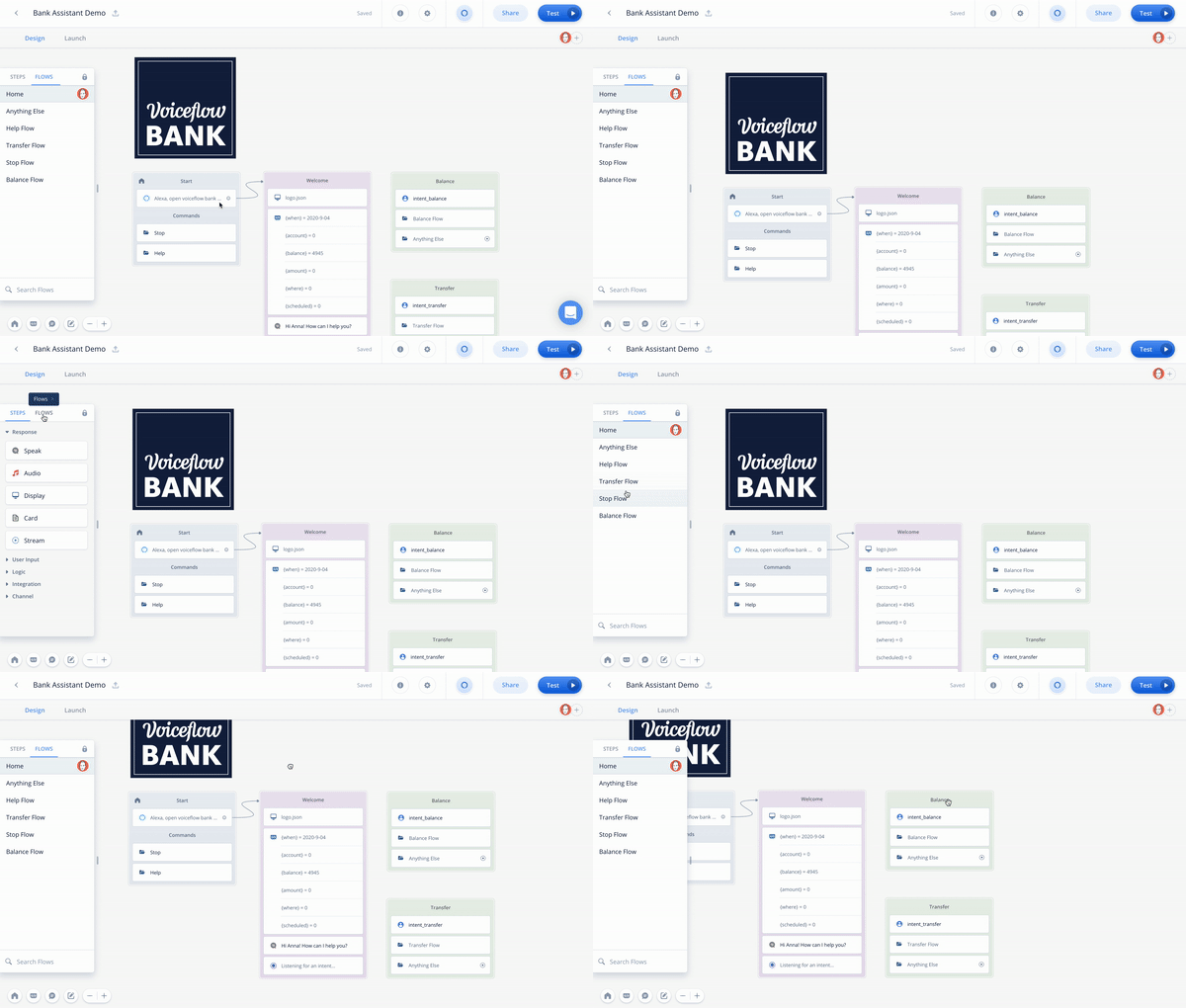
This tactic allows a flow to be accessed at any point of the conversation. Meaning the user can easily access the functions for checking their balance, switch to help, and seamlessly navigate back to any point of the conversation without the designer having to predict every instance in every possible order.
This not only creates a much more natural experience for the end-user but also eliminates excess work in the design phase.
Much like a human conversation, It's rare for a conversation design to be perfect on the first try, and this is especially true when looking to collect information. Great conversational experiences can account for any way a customer wants to share required information, in whatever order they choose. Voiceflow's new automated dialogues help designers tackle customer response ambiguity, automatically.
Once information slots are created, they can be declared as "required" meaning the assistant will automatically ask the user for that piece of information if it wasn't provided. Customers can provide everything needed in a single go or nothing at all - and it's all covered by the design.
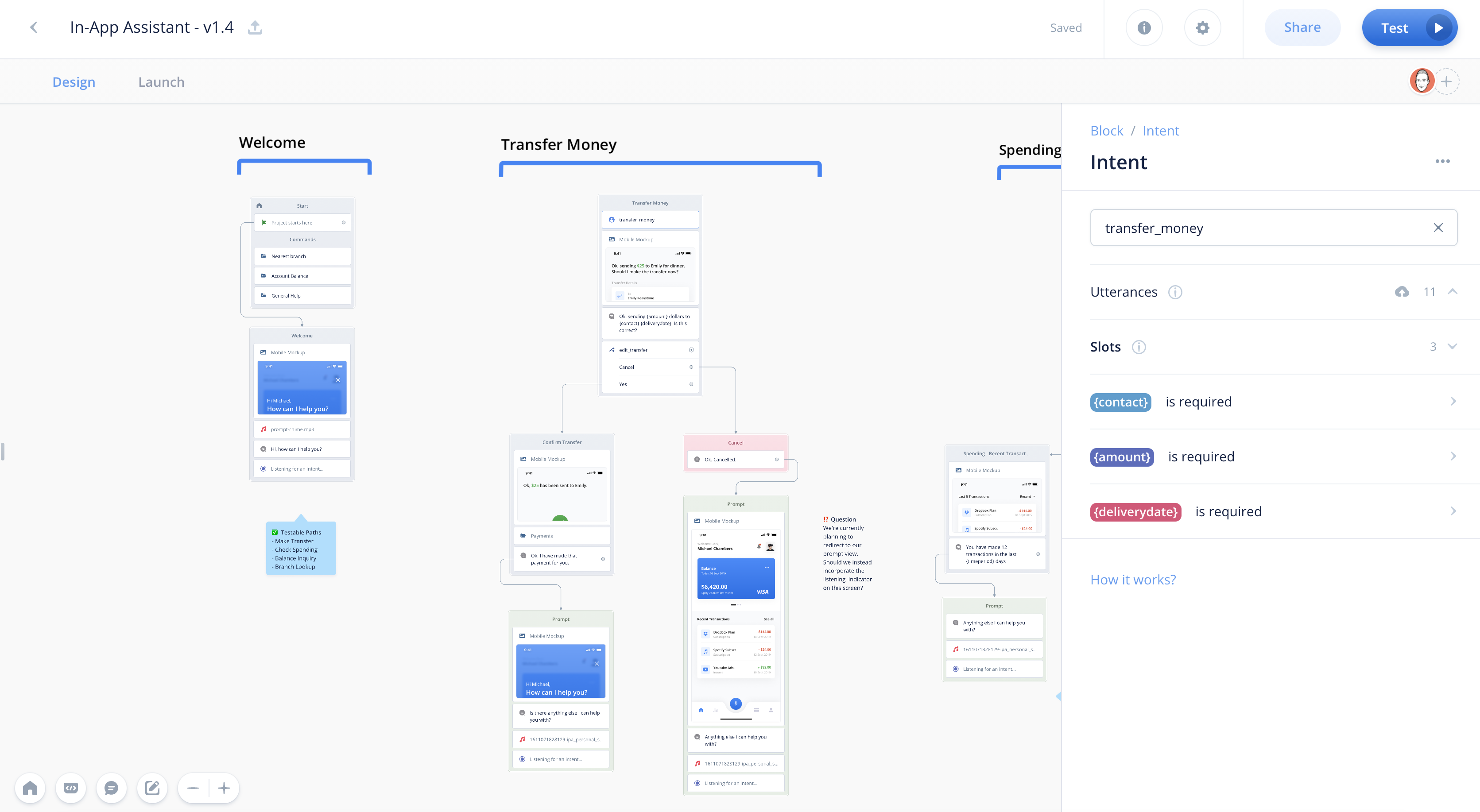
For example:
When using the banking assistant, a designer can't have the conversation fail if a user's request doesn't match one of the built-in options. Here we see the assistant first ask for clarification, then offer alternative options, followed by a simple direction to contact support.
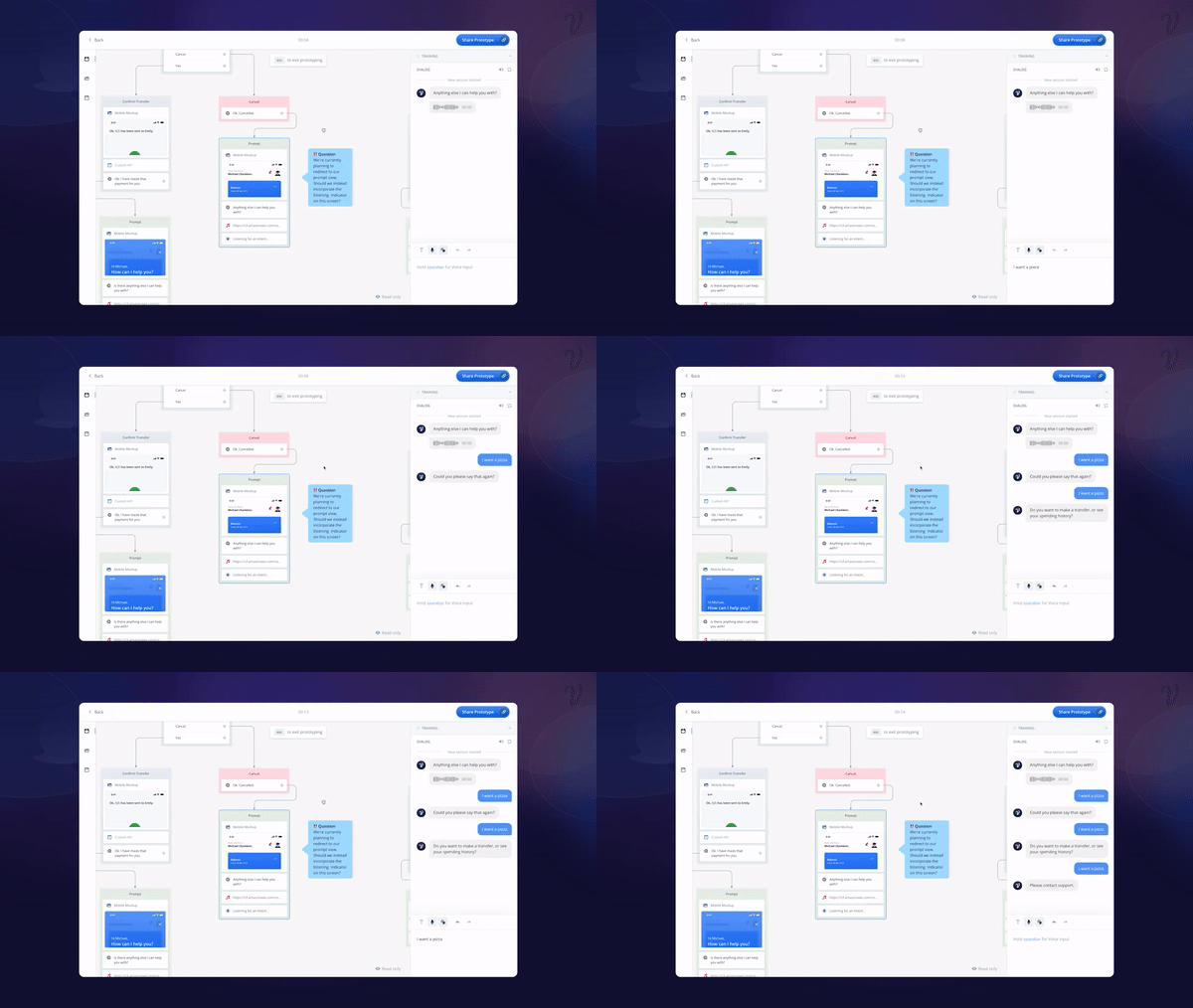
Let's also consider an example where a user is correct in what they want, but needs some flexibility - a transfer request for Voiceflow Bank. Two account numbers are needed for the transfer to take place. If the conversation failed every time a bank user didn't accurately rifle off two strings of 7 digit account numbers, Voiceflow Bank would have a bunch of unhappy customers. Instead, the user can share the account numbers when they are ready - and the assistant can understand.
What happens if a user doesn't reply at all? Designers can also create a "no reply response" to ensure the assistant continues the conversation in the most helpful way possible.
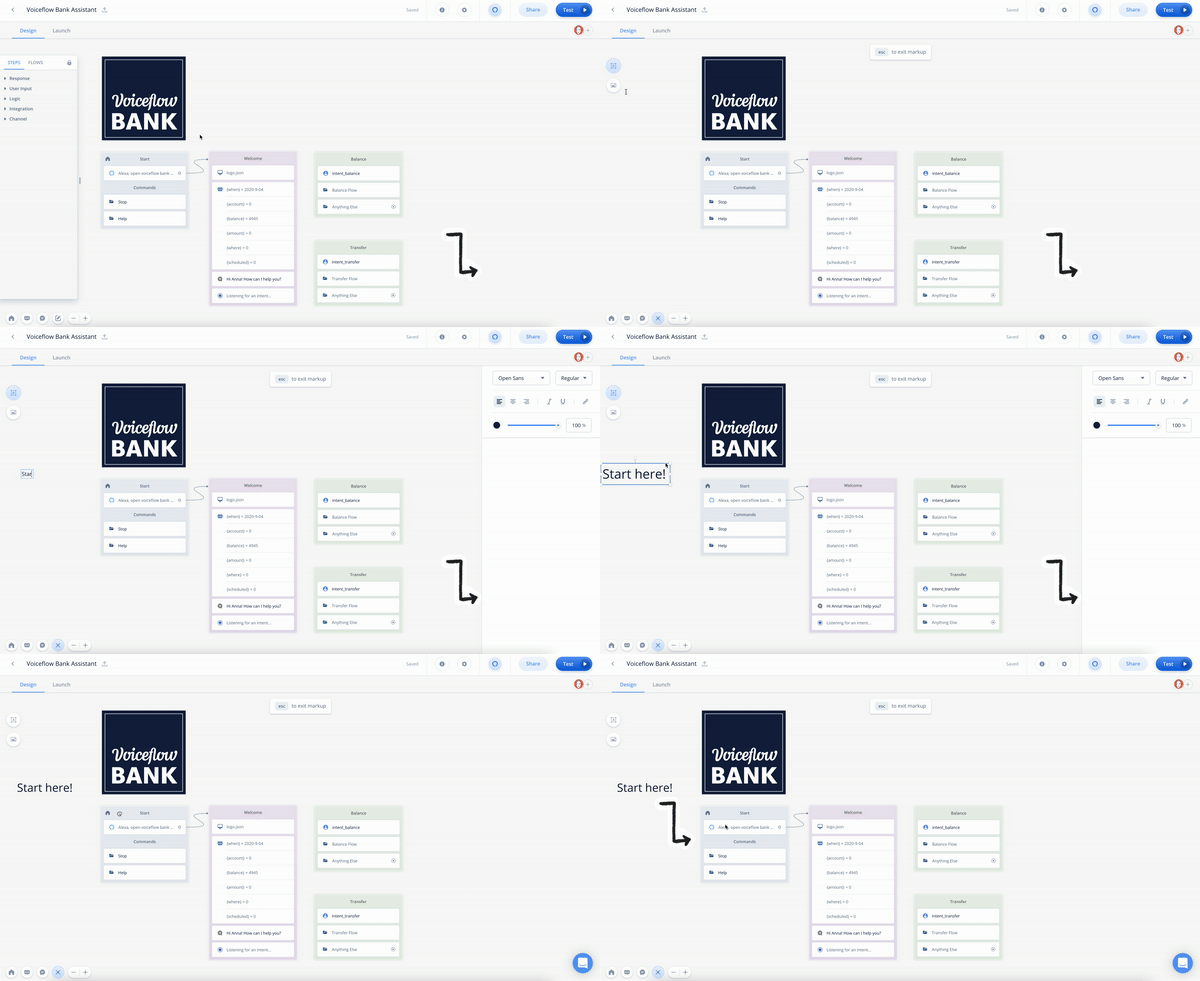
One of the biggest challenges for designers is effectively communicating their work. Whether it's with other designers, the development team, or stakeholders, it can take months to develop and implement a flowchart design system. Voiceflow 2.0's canvas markup bakes context directly into the canvas, allowing designers to build while documenting their experience – all in one place.
Designers can add labels, images, and even hyperlinks directly to a design to make it more readable, sharable, and actually enjoyable to consume. Most of all, designs are always accessible and up to date.
For example
In this example, the designer is adding text and an arrow image to give greater context. A non-designer with little Voiceflow experience now has a much easier time seeing the start and understanding the conversational flow.
Designing for context is one of the pillars of conversation design. Designers can utilize an industry-leading 4 types of context design when using Voiceflow 2.0.
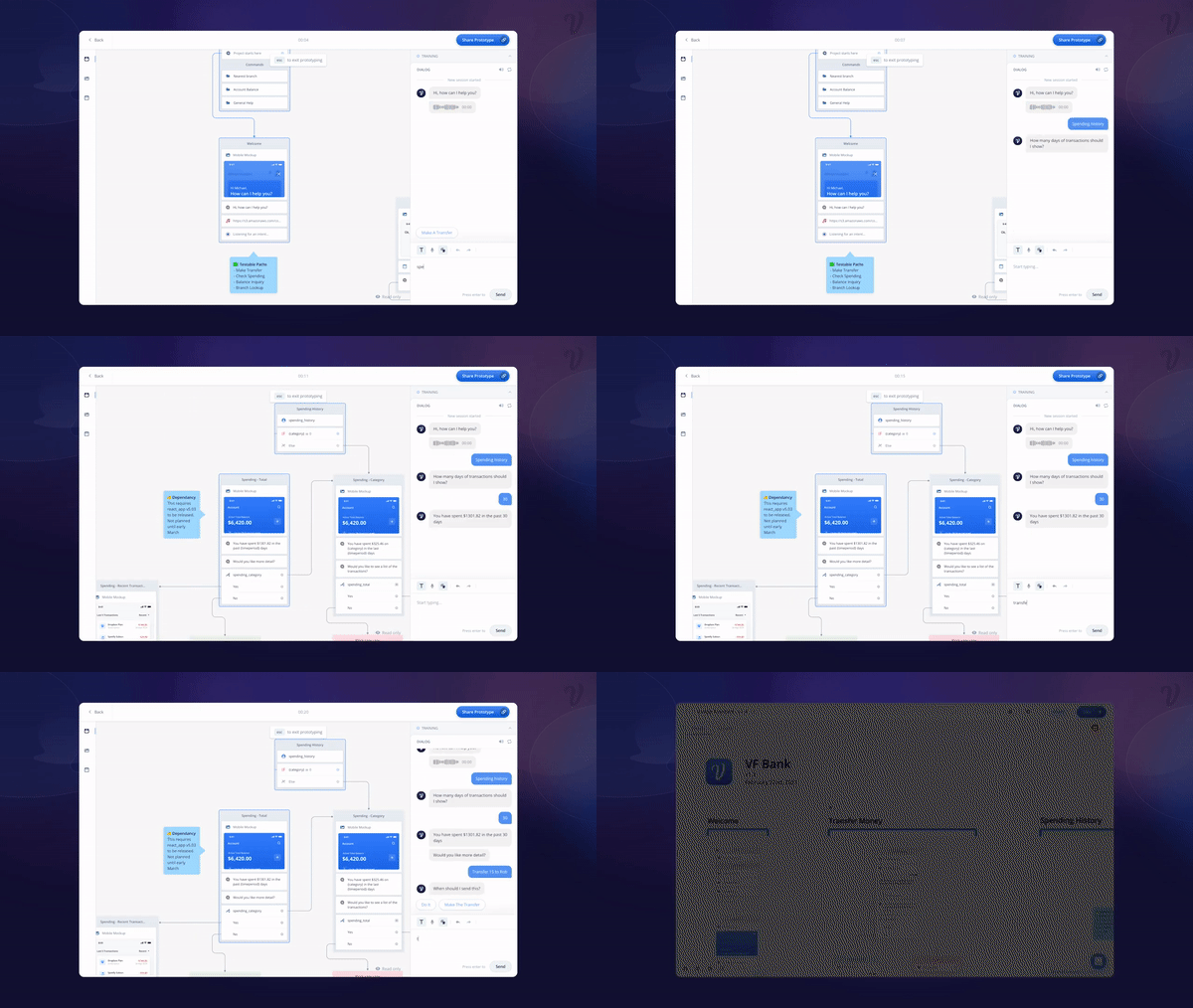
Voiceflow's shared workspaces allow any team to manage their workflow with a built-in Kan-ban system to see an at-a-glance status of all projects. Inviting stakeholders or clients directly to a workspace makes it easy for viewing and commenting. Users can even build an internal component system or template library to manage design consistency across all of their projects. For larger organizations, users can manage multiple team workspaces to ensure no one workspace becomes too crowded.
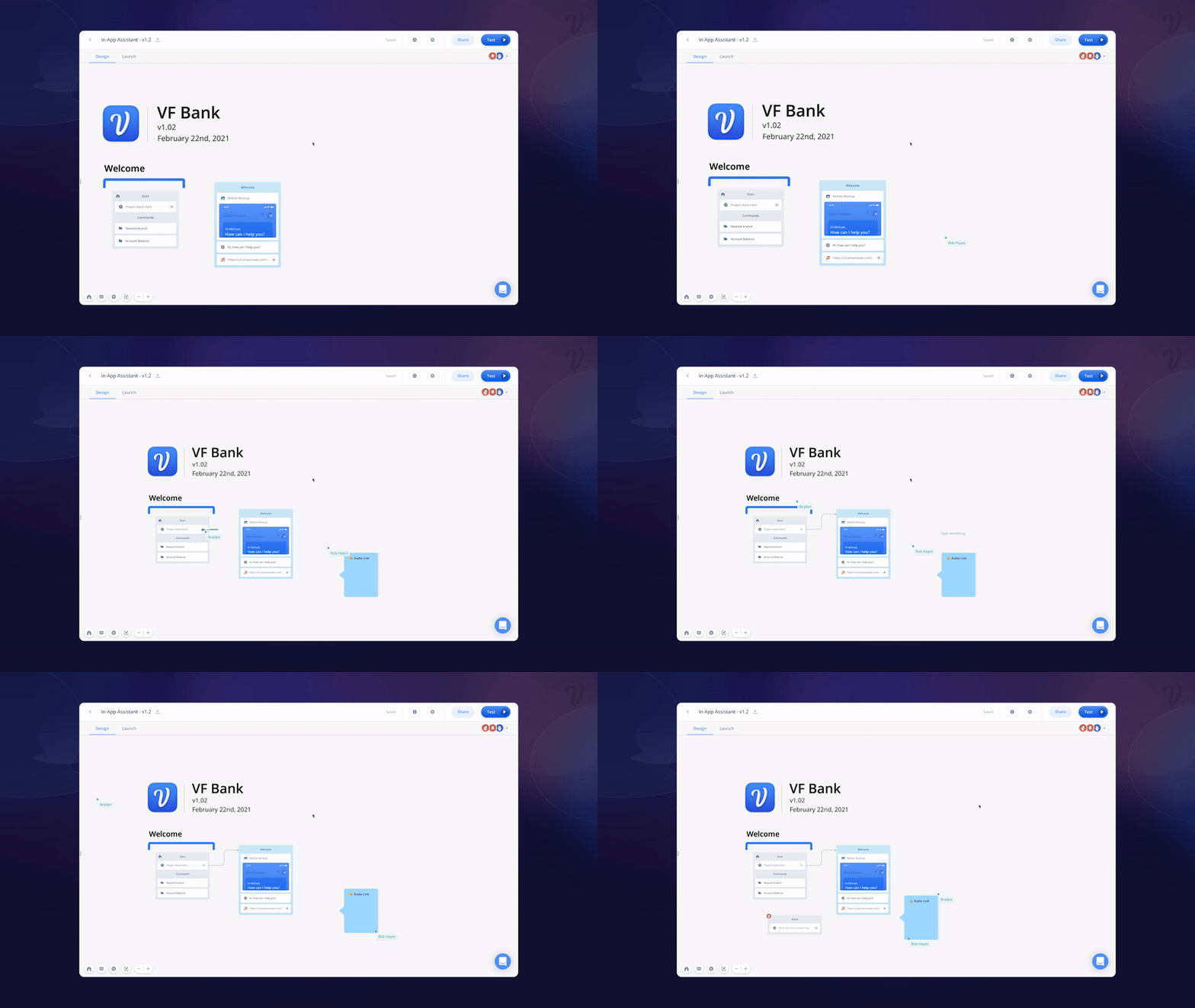
Here we see a 3 team members working in real-time together on the canvas. From leaving notes to designing the foundation of the conversation, Voiceflow 2.0 makes design team collaboration effortless.
For some, exporting and hand-off are just as important as the design experience itself. For many teams, the exported project and foundational code needs to be accessible by stakeholders, other designers, or event development teams - all of whom may require varying levels of access and assets.
With this in mind, Voiceflow 2.0 projects can be exported in 3 ways:

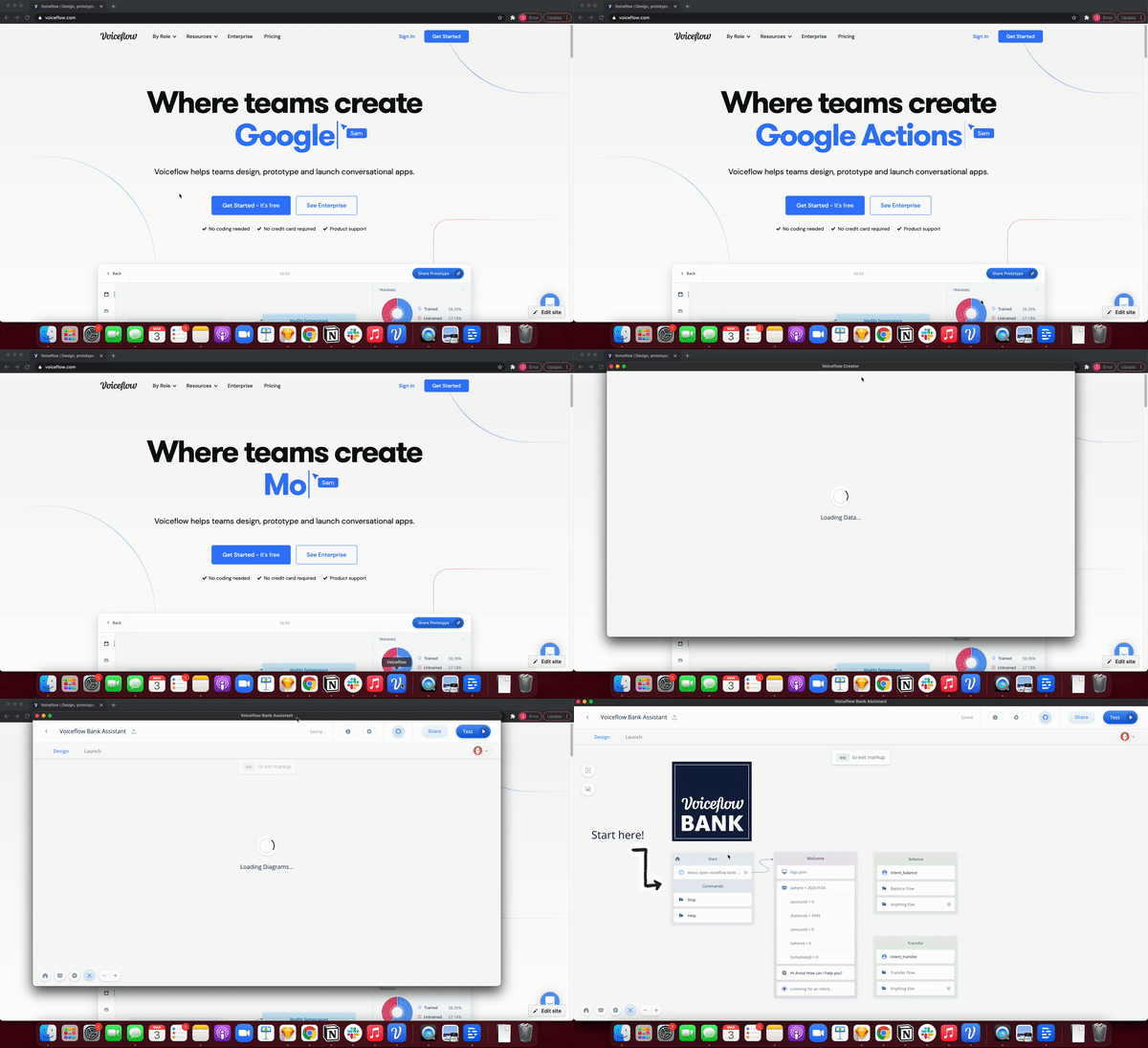
A last helpful design tool from Voiceflow 2.0 is our new desktop app – available now for BETA download. Working alongside other professional desktop tools, like Adobe XD, Figma, or Sketch, our desktop experience gives conversation designers the same power of Voiceflow, 25% faster than the web-based version.
For designers ready to dive deeper into these features, you can also watch the full-length design & collaboration section from our V2 launch event right here.


.avif)
.avif)