Voiceflow named a 2026 Best Software Award winner by G2
Read now

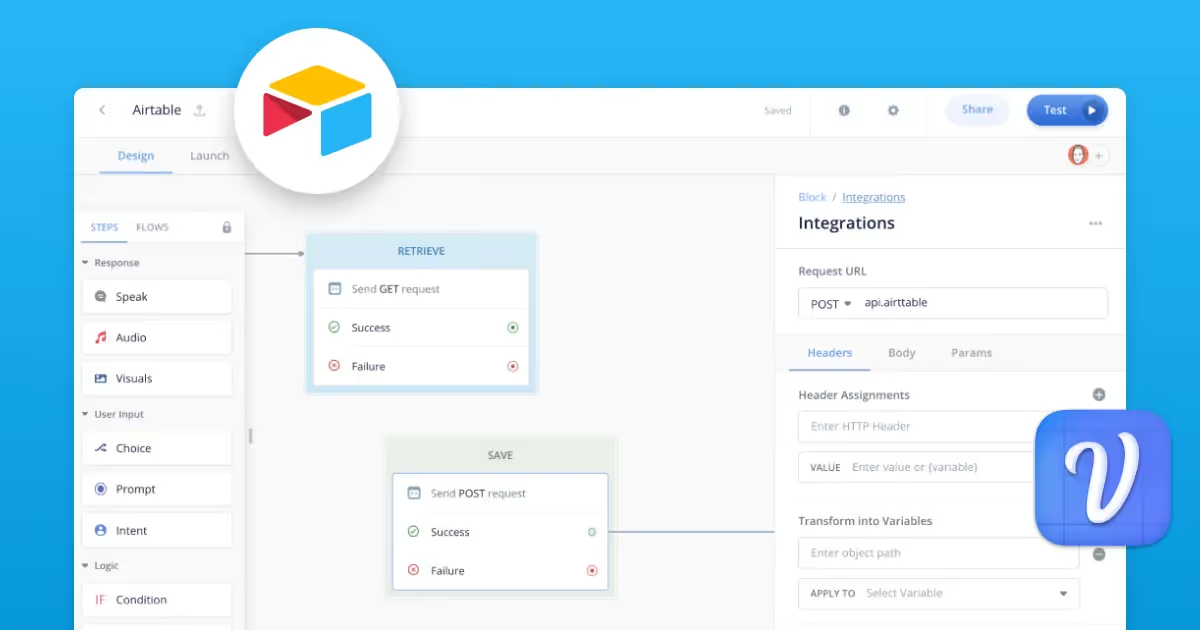
The API step on the Voiceflow canvas can be a designer's best friend. Integrating with an Airtable base means the database tool is directly tied to a project's core steps and variables.
On the canvas, there are two popular API requests designers use with Airtable: GET and POST.
⬅️ GET Request retrieves data from a connected base. This API function accesses specific fields in an existing Airtable base and brings that information into the experience.
➡️ POST Request saves data to a connected base. Inversely, this API function takes user inputs from a conversational experience and records the information to fields in an existing Airtable base.

We've created two step-by-step video tutorials for using the Airtable GET and POST requests in Voiceflow.
Save these links to watch after reading:
⬅️ GET Request Tutorial
➡️ POST Request Tutorial
Before you start adding the API step to the canvas, let's first consider what's possible. Utilizing the GET and POST requests, conversation designers unlock access to information outside of the canvas. Here are three additions to the CxD tool belt:
%2525202.avif)
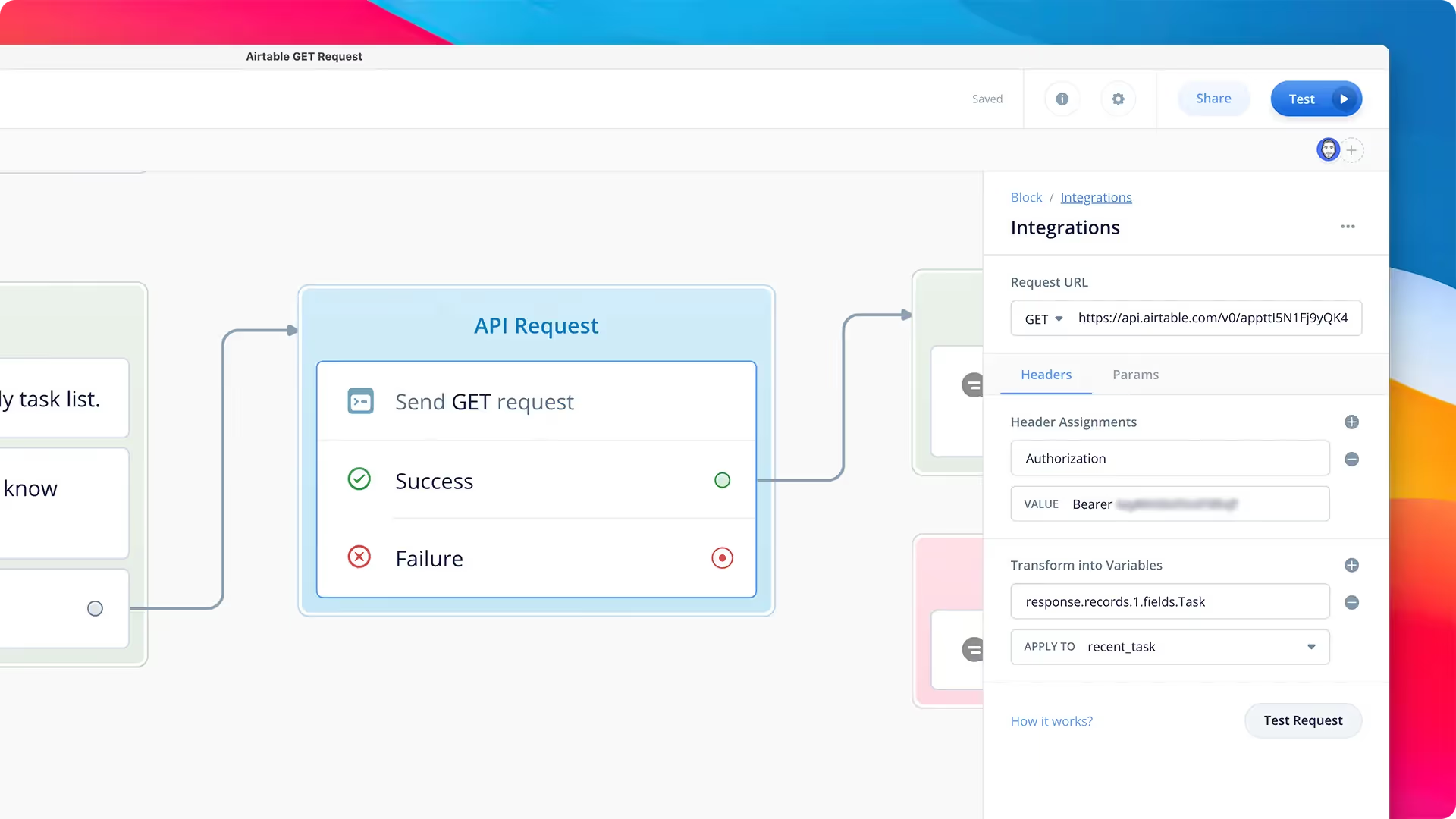
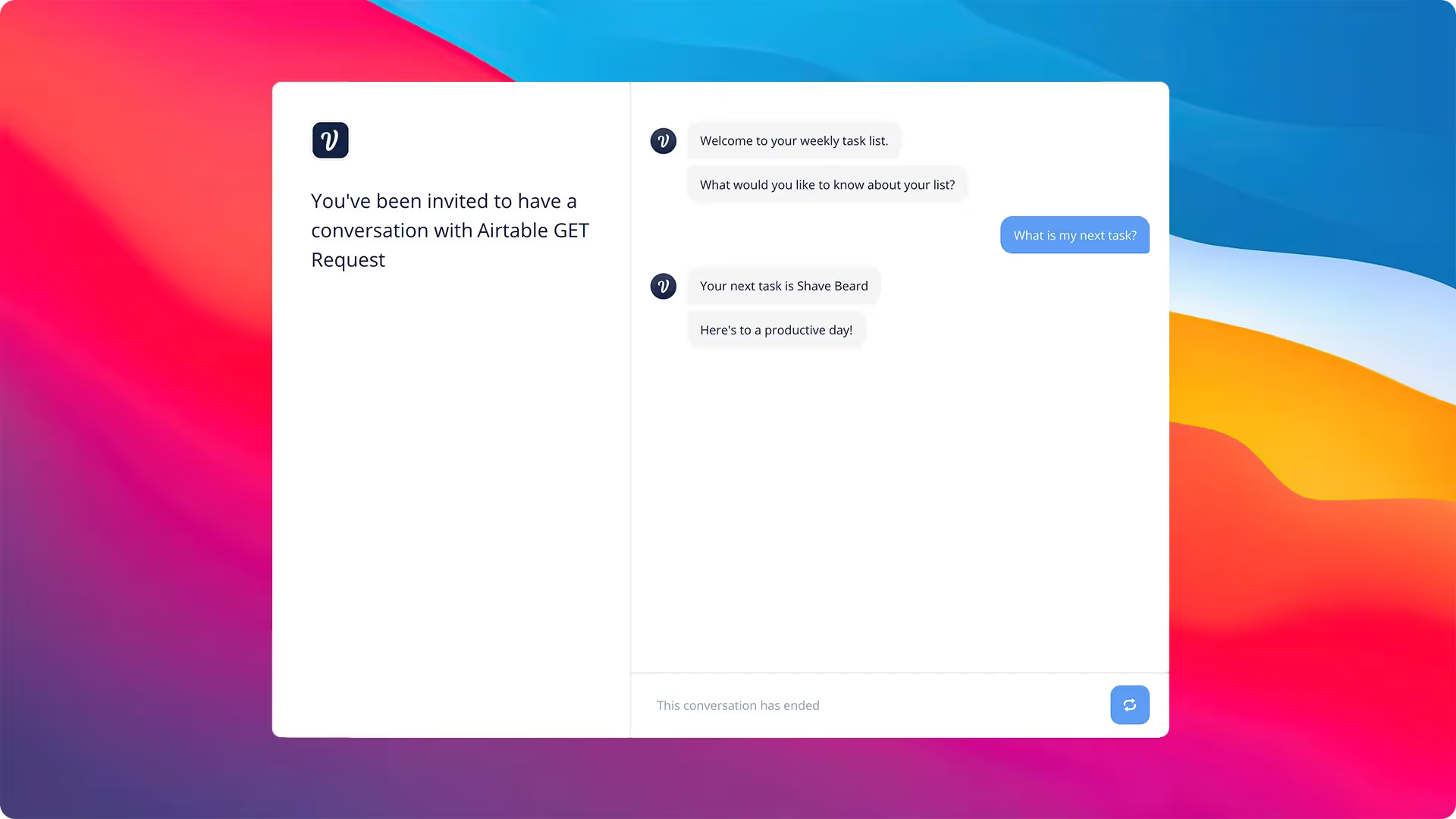
Using a database with your conversation designs inherently makes your experience more malleable. Using a tool like Airtable, custom variables can be pulled, tracked, and/or communicated across an experience. And although the to-do or task list is a foundational example in conversational AI, the use cases are endless.
Here are a few examples of how you can use Voiceflow and Airtable in your next project:
📚 Personal Tracker: A personal tracker relies on daily, consistent information that can be recorded and accessed later by the virtual assistant. How do you feel today? What was my mood last week Monday? An Airtable base integration makes this functionality a breeze.
📖 Consumer Product Catalogs: SKUs are constantly changing based on season, inventory, and trends. An Airtable base can be updated as needed, while the assistant will always have access to accurate product listings. Most of all, data integrity exists as there is one source of truth.
📝 Small Business Budgets: Manually entering data or searching through spreadsheets for information is a time sink for small business owners - not to mention a poor user experience. Deploying a budget assistant linked to an Airtable base can make it painless to record and check finances.
For conversation design teams, it's also important to note that adding the API step in the design and prototype stages can vastly improve developer hand-off. CxD teams are no longer reliant on developers to execute their API vision - and all the necessary code lives under the hood of the exported Voiceflow project file.
No matter the use case, deploying the API step is another way that conversation designers can rethink experiences across any channel. From IVR to web chat, an integrated Airtable database adds conversational depth and context for the user.
Ready to give these Airtable integrations a go? Start from scratch on the canvas or use this Mood Tracker template project that features an Airtable database GET and POST request.
We've created two step-by-step video tutorials for using the Airtable GET and POST requests in Voiceflow.
⬅️ GET Request Tutorial
➡️ POST Request Tutorial


.avif)
.avif)