Voiceflow named a 2026 Best Software Award winner by G2
Read now


Debugging software is hard. Debugging agents is harder.
Traditional software follows deterministic paths. You can trace exactly what happened and why. Agents are different. They make decisions. They reason. They call tools, search knowledge bases, hand off to other agents, and sometimes do things you didn't expect.
High-level metrics like resolution rate or CSAT tell you that something is off. They don't tell you why. To actually fix problems, you need to see inside the agent's decision-making process, turn by turn, step by step.
That's what agent logs are for.
Every conversation your agent has generates a detailed log. Not just the inputs and outputs, but everything in between:
Here's what a typical sequence looks like:
input    10:23:15.042  I need to change my delivery address
info     10:23:15.089  [Intent prediction] resolved "None"
debug    10:23:15.102  [Agent] starting execution
debug    10:23:16.847  [Agent] ai result                           1.74s
debug    10:23:16.848  [Agent] calling order_lookup tool(s)
info     10:23:17.562  [Function tool] "order_lookup" succeeded     714ms
debug    10:23:17.891  [Agent] calling update_address tool(s)
info     10:23:18.203  [Function tool] "update_address" succeeded   312ms
output   10:23:19.156  Done! I've updated the delivery address on your order.
You can see exactly what happened: the user asked to change their address, the agent looked up the order, called the update tool, and confirmed the change. If something went wrong, you know where to look.
The power of detailed logs is that they answer why.
Why did the agent give the wrong answer? Look at the knowledge base results. Maybe the search returned irrelevant chunks. Maybe the scoring was off. Maybe the right content isn't in your knowledge base at all.
Why was the response slow? Check the timing on each step. Maybe a tool call is taking 1.5 seconds when it should take 200ms. Maybe the agent is making multiple knowledge base calls when one would suffice. The bottleneck is visible.
Why did the agent escalate when it shouldn't have? Trace the decision path. What condition triggered the handoff? Was it a tool failure? A low confidence score? A specific phrase the user said?
Why did the tool call fail? Expand the tool execution. You can see the exact input the agent passed, the response it got back, and any errors. If the agent prefilled a date as DD/MM/YYYY when the API expected MM/DD/YYYY, you'll see it.
For voice agents, latency isn't just a metric. It's the experience. A two-second pause feels broken.
Agent logs break down exactly where time is going:
input    09:14:22.331  What's your return policy?
debug    09:14:22.347  [Agent] starting execution
debug    09:14:23.412  [Agent] first chunk received               1.07s
output   09:14:23.658  One sec, let me check that for you.
debug    09:14:23.659  [Agent] ai result                          1.31s
debug    09:14:23.660  [Agent] calling kb_search tool(s)
info     09:14:24.419  [Function tool] "kb_search" succeeded       759ms
info     09:14:24.756  [TTS] resources consumption                 0.34
debug    09:14:26.102  [Agent] first chunk received               1.35s
output   09:14:26.847  You can return any item within 30 days for a full refund.
debug    09:14:26.848  [Agent] ai result                          2.43s
info     09:14:27.203  [TTS] resources consumption                 0.41
You can see the agent's thinking time, the filler response while it searches, the knowledge base lookup duration, the TTS conversion time. If the voice experience feels sluggish, you know exactly which component to optimize.
Conversations don't always stay with one agent. They route. They escalate. They hand off to humans.
Agent logs capture the full journey:
input    15:42:08.221  I want to speak to someone about my claim
debug    15:42:08.445  [Agent] starting execution
debug    15:42:09.672  [Agent] ai result                          1.23s
output   15:42:10.445  I'm transferring you to our claims team now. One moment.
debug    15:42:10.891  [Live Agent Handoff] escalating to claims queue
debug    15:42:14.003  [Live Agent Handoff] Sarah has joined the conversation
And when a conversation escalates to a human agent, you can see both sides: what the AI handled, what context was passed to the human, and how the human resolved it. The summary that gets handed off, the queue it went to, the full conversation that followed.
This matters for improving your agent. If you see patterns in what's getting escalated, you know what to build next.
The point isn't just visibility. It's speed to fix.
When something goes wrong, you're not guessing. You're not trying to reproduce the issue manually. You're looking at exactly what happened, step by step, with timing and context.
A drop in resolution rate becomes: "The knowledge base search is returning low-relevance results for shipping questions because we're missing content on international delivery."
A spike in escalations becomes: "The agent is handing off whenever users mention 'supervisor' even when they don't actually need a human."
A latency complaint becomes: "The inventory lookup tool is taking 1.8 seconds, which pushes total response time over the threshold for voice."
Each of these is actionable. And you can verify your fix worked by looking at the logs for subsequent conversations.
Teams that get good at reading agent logs develop intuition. They know what patterns to look for. They can glance at a conversation and spot where things went sideways.
This is part of the capability you build when you own your agent. You're not filing tickets with a vendor and waiting for answers. You're diagnosing and fixing problems yourself, in minutes instead of days.
That speed compounds. Every issue you fix makes the agent better. Every pattern you recognize makes you faster at finding the next one.
High-level metrics tell you something is wrong. Agent logs tell you how to fix it.
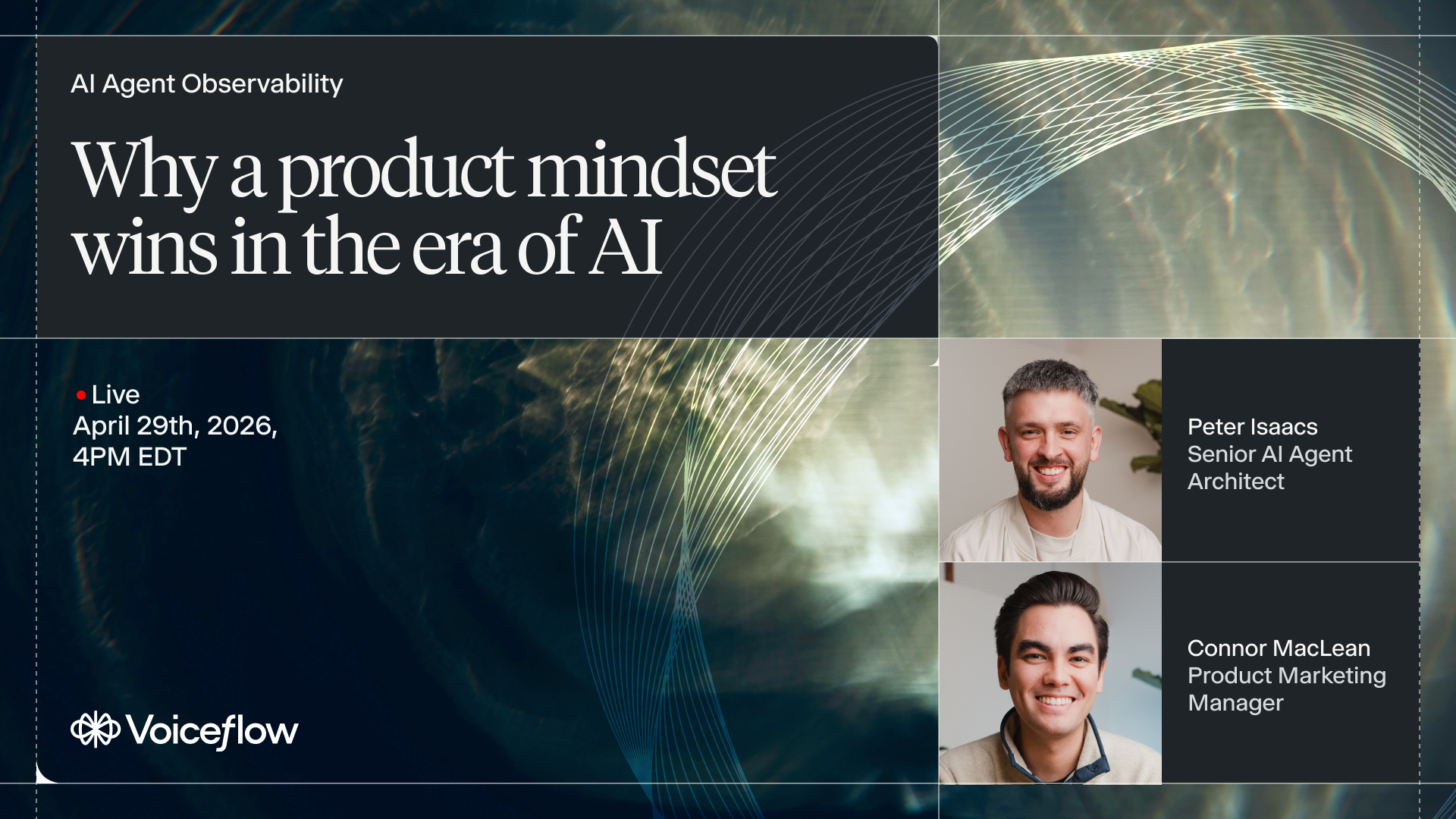
Dive deeper into logs at our webinar on April 29th on why a product mindset wins in the era of AI.


.avif)
.avif)