



Most teams don't need a developer to get a useful Slack bot running. Slack's own Workflow Builder covers routing, reminders, and form intake with zero code, and that's enough for the majority of requests that show up in a busy workspace. Custom code and AI agents come later, once the bot needs to understand language it hasn't seen before, not before.
That's the practical answer. Here's how to get there without overbuilding on day one.
What a Slack Bot Can (and Can't) Do for Your Team
A Slack bot is a program that lives inside your workspace and reacts to messages, commands, or events: someone types /standup, fills out a form, or posts in a channel, and the bot responds. At the simple end, that's a scheduled reminder or a notification pulled from another tool. At the complex end, it's an agent that reads a question, decides what it means, and answers in plain language.
The gap between those two ends matters more than most teams realize before they start. A basic bot follows rules: if this trigger, then this action. It doesn't understand a sentence it hasn't been told to expect, and it won't improvise. That's not a flaw. For routing a PTO request or posting a daily metrics digest, rigid and predictable is exactly what you want. The trouble starts when a team tries to stretch a rules-based bot into handling open-ended questions, because every phrasing it hasn't anticipated just falls through.
Start With Slack's Own Automation Tools
Before writing anything, check whether Workflow Builder already does the job. It's built into Slack, and it covers a surprising amount of ground:
- Open Workflow Builder from your workspace settings.
- Pick a trigger: a shortcut, a new channel member, a scheduled time, or a form submission.
- Add steps: send a message, post a form, assign a task, or call a webhook.
- Test the workflow in a private channel before turning it on for the team.
- Publish it and watch the first few runs to catch any edge case you missed.
That covers meeting reminders, intake forms, and simple approvals. If you need something Workflow Builder genuinely can't do, like calling an external API with custom logic or holding a multi-turn exchange, that's when you move to the Slack API: create an app, grant it bot-user permissions, install it to the workspace, and write the handler in Python, JavaScript, or whatever your team already maintains. That path takes real engineering time, so it's worth confirming Workflow Builder is actually insufficient before committing to it.
The Automations Most Teams Build First
The requests that show up again and again, in roughly this order:
- Meeting and standup reminders, pulled from a shared calendar.
- Task assignment, turning a message or form submission into a tracked item.
- Support ticket intake, logging a request and routing it to the right channel.
- Onboarding checklists, walking a new hire through their first week.
- Company announcements, posted on a schedule or triggered by an event.
A good number of these also need to reach outside Slack. A support bot that logs a ticket is more useful if it can also check a CRM record, and a sales team that lives in Slack wants to pull account data without opening a separate tab. Both Workflow Builder's connectors and a custom bot built on the Slack API can call out to tools like Salesforce, so a rep can see or update a record without leaving the channel.
When a Simple Bot Stops Being Enough
The limit shows up the same way every time: someone asks a question the bot wasn't scripted for, and it either ignores the message or replies with something unhelpful. Rules-based bots match patterns, they don't parse meaning. A support bot that only recognizes /ticket will miss the employee who just types "my invoice looks wrong" in plain English.
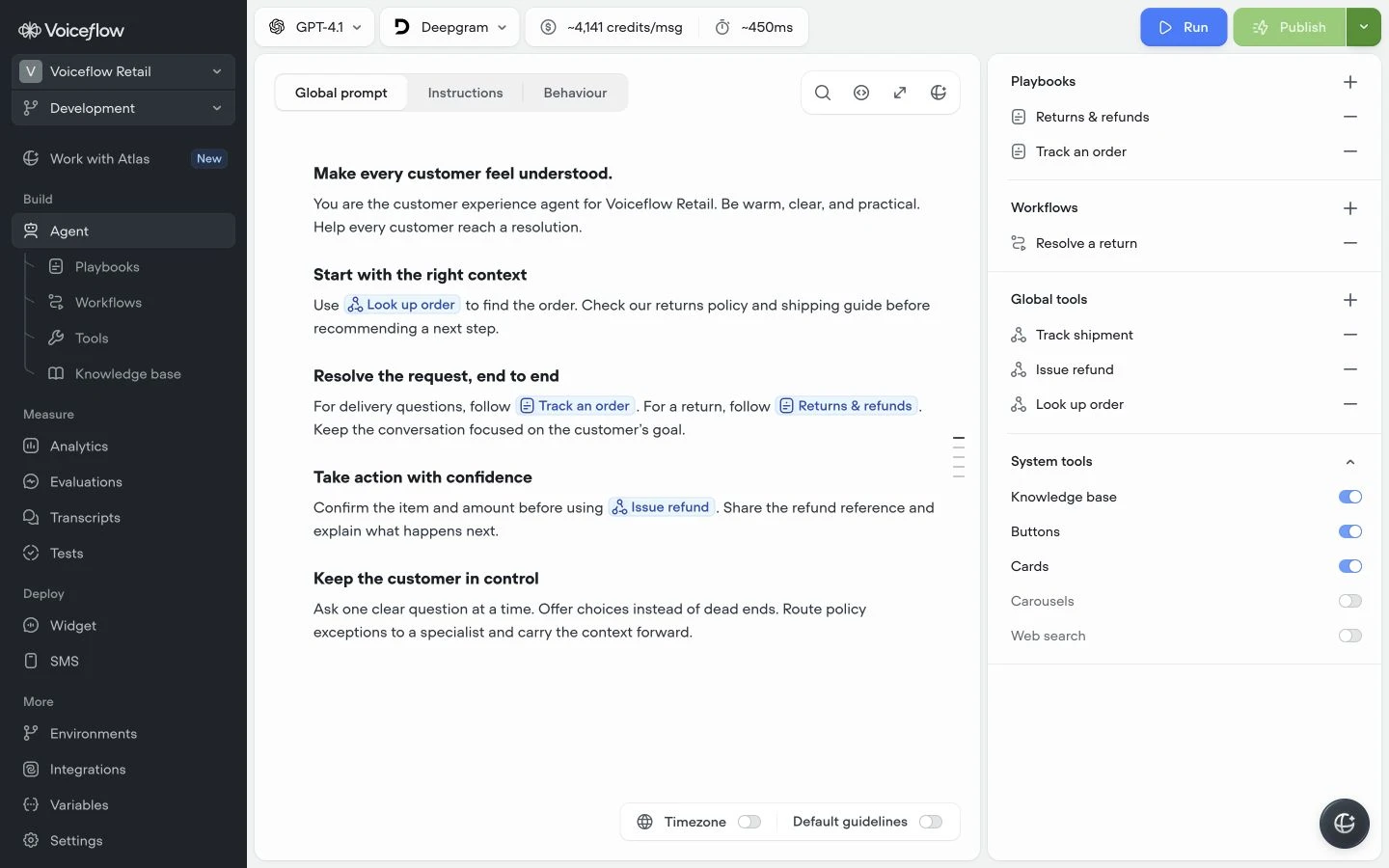
That's the point where it's worth looking at a dedicated AI agent platform rather than stacking more if-this-then-that rules onto a bot that was never built for language. Slack itself has been layering AI features directly into the product, which signals where the expectation bar is heading: users increasingly expect to just ask, not to remember a command syntax. A platform like Voiceflow is built for that gap: you design the agent's conversation logic visually, connect it to your knowledge base, and deploy it into Slack as one of its channels, so it reads a free-form question and gives a real answer instead of a canned reply. The honest trade-off is setup time: a visual agent builder still takes longer to configure than a one-step workflow, but it saves you from hand-coding natural language handling that most teams shouldn't be building from scratch anyway.
Keep the Bot Useful as Your Team Grows
A bot that works on day one can quietly stop working as your team adds more triggers and nobody revisits the old ones. Check two things every quarter: which automations actually get used, and which requests keep falling outside what the bot handles. The first tells you what to keep. The second tells you whether it's time to add a rule, or time to admit a rules-based bot has hit its ceiling and a conversational layer is the next step.
Treat the bot as a living part of your workspace, not a project you finished. The teams that get the most out of Slack automation are the ones that prune dead workflows as often as they add new ones, and who are honest about the point where more rules stop being the answer.
![How To Add an AI Chatbot to Your Wix Website? [Tutorial]](/images/wix-chat-a4e116e3-og.jpg)
![Best Enterprise AI Chatbots in 2026 [Reviewed & Compared]](/images/6a43cb30167b766ca403949f_6a43cb30ec630f9c5b7064e8_enterprise-chatbot-hero.webp)