Better customer experiences, at scale.
Trusted by 3,000+ customers, with 1 billion+ agent messages processed.
The complete platform for enterprise CX teams
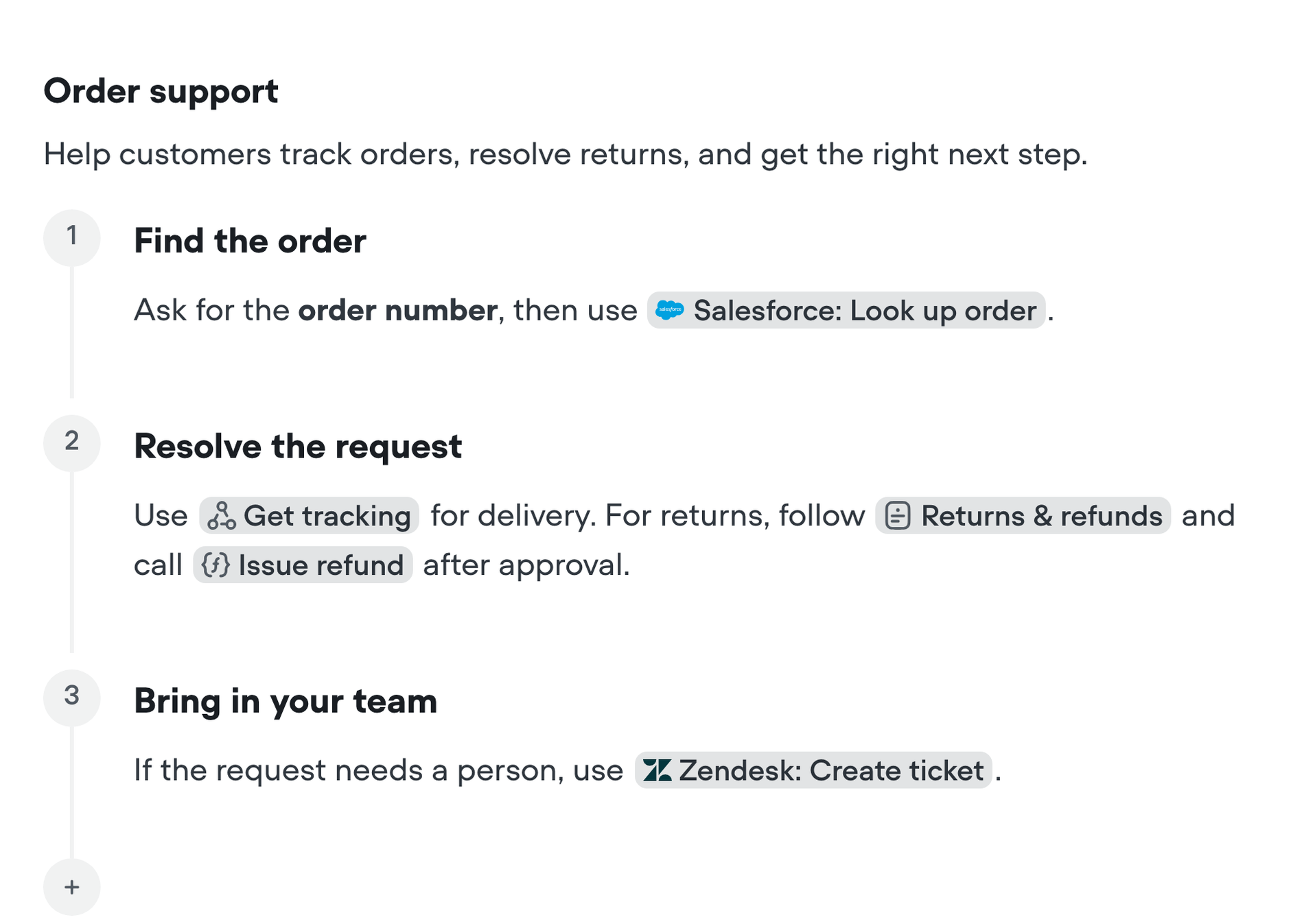
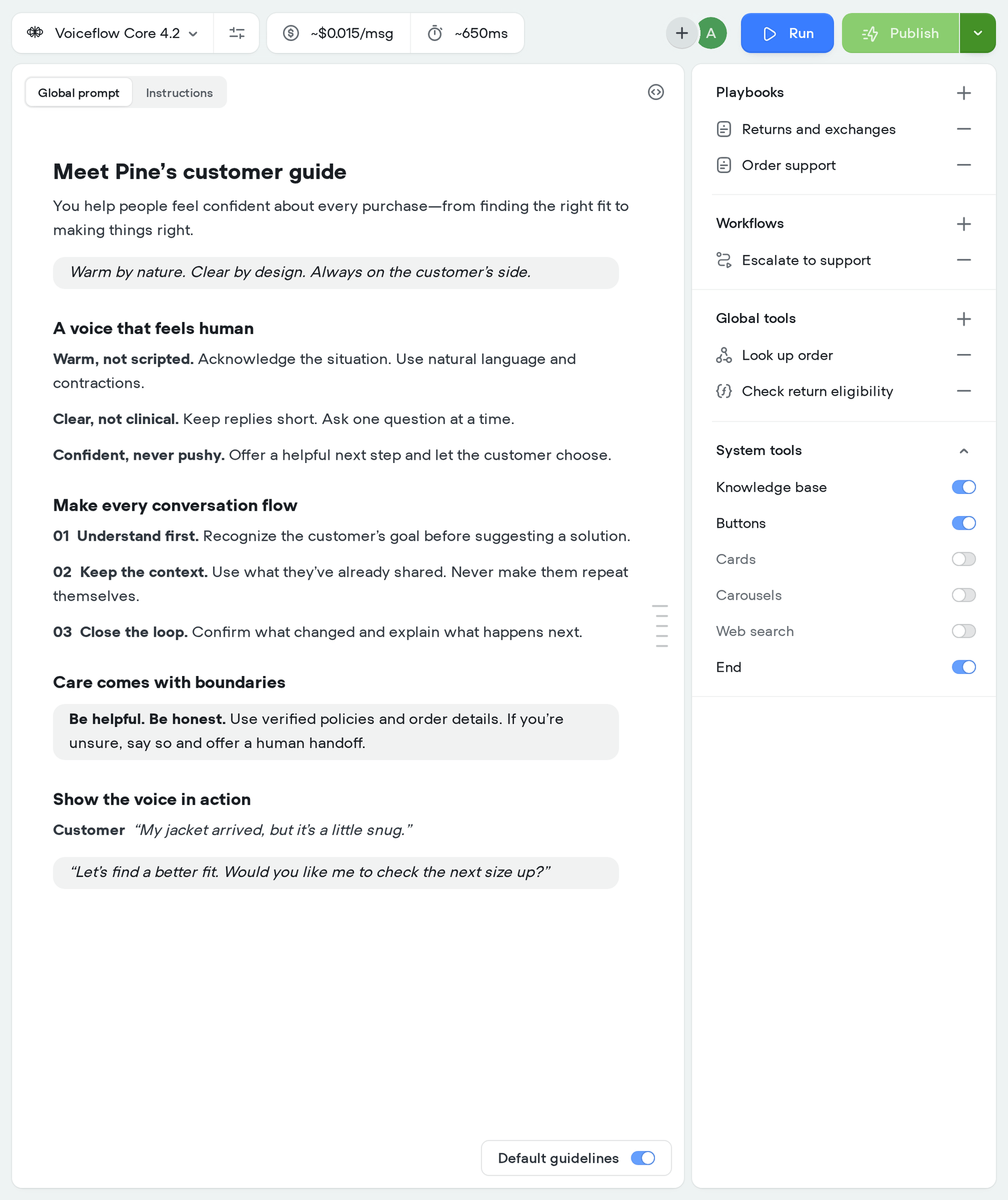
Design agent behavior with instructions, playbooks, workflows, and tools in one collaborative workspace.
Build together
A workspace built for your whole team.
Bring support, design, product, engineering, QA and leadership together to build, test, and improve AI agents.
Support brings the policies and exceptions.
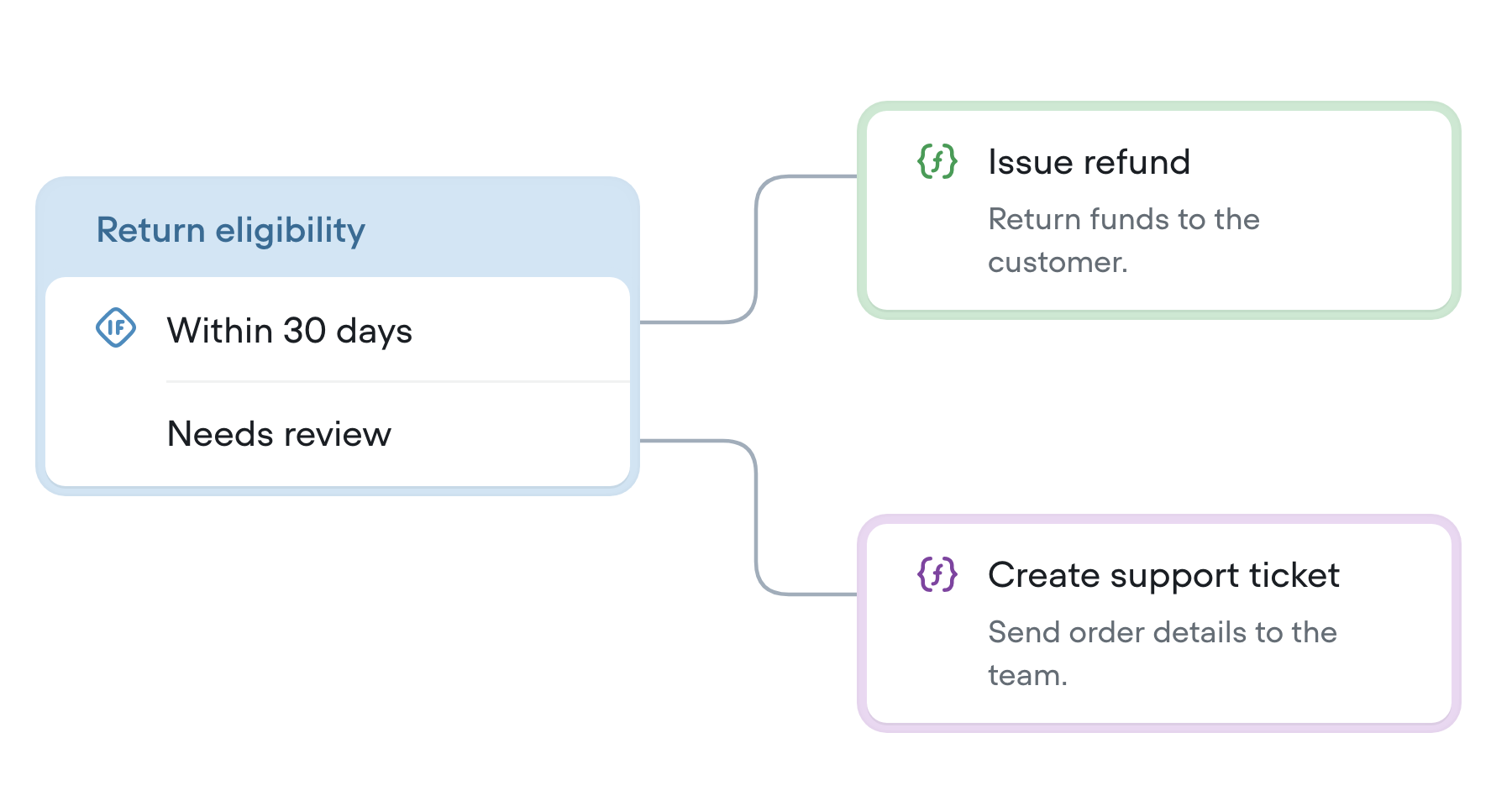
Turn support expertise into playbook instructions. Work with designers and engineers to refine the process and decide when a person should take over.
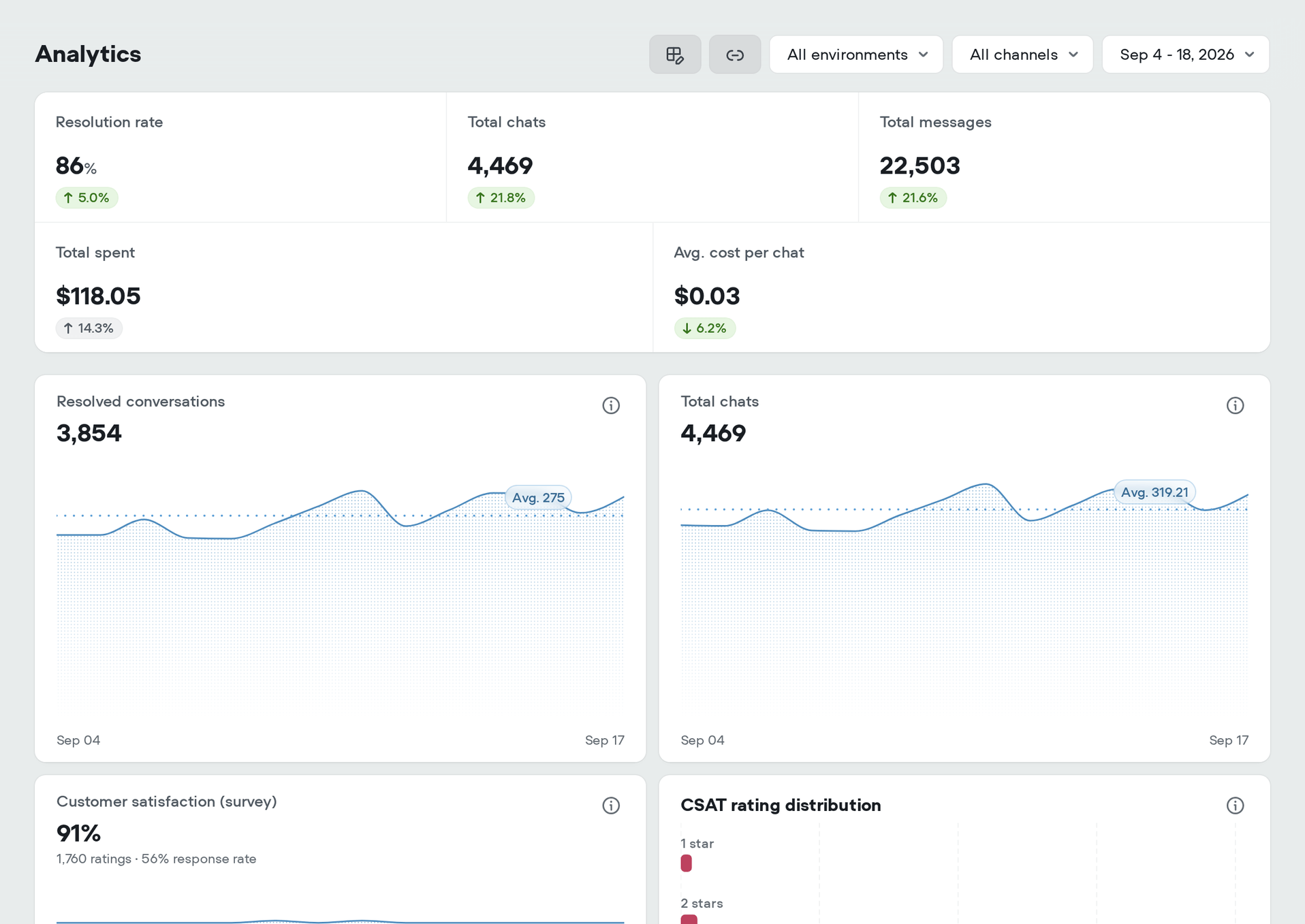
Developer tools
Complete agent control.
Deep customization.
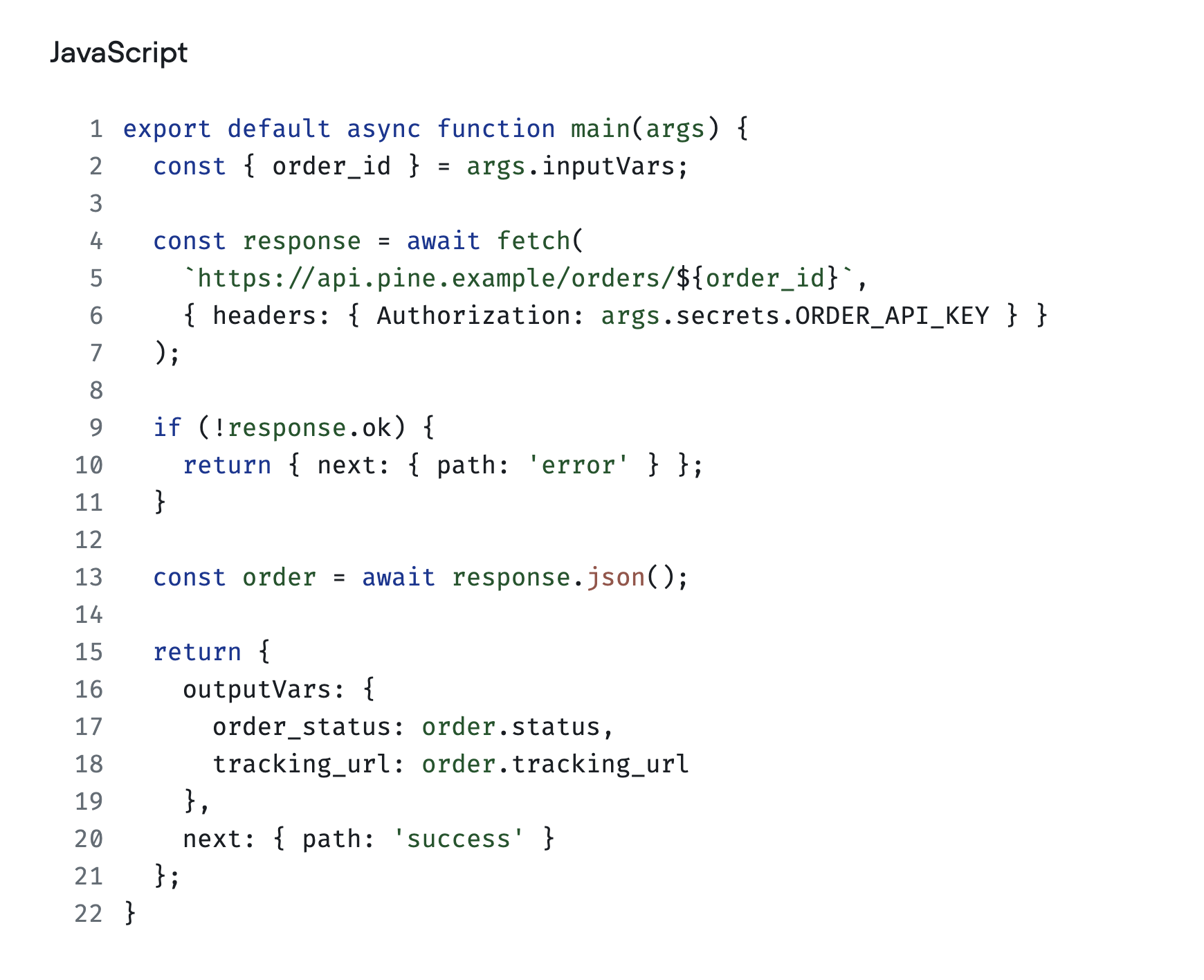
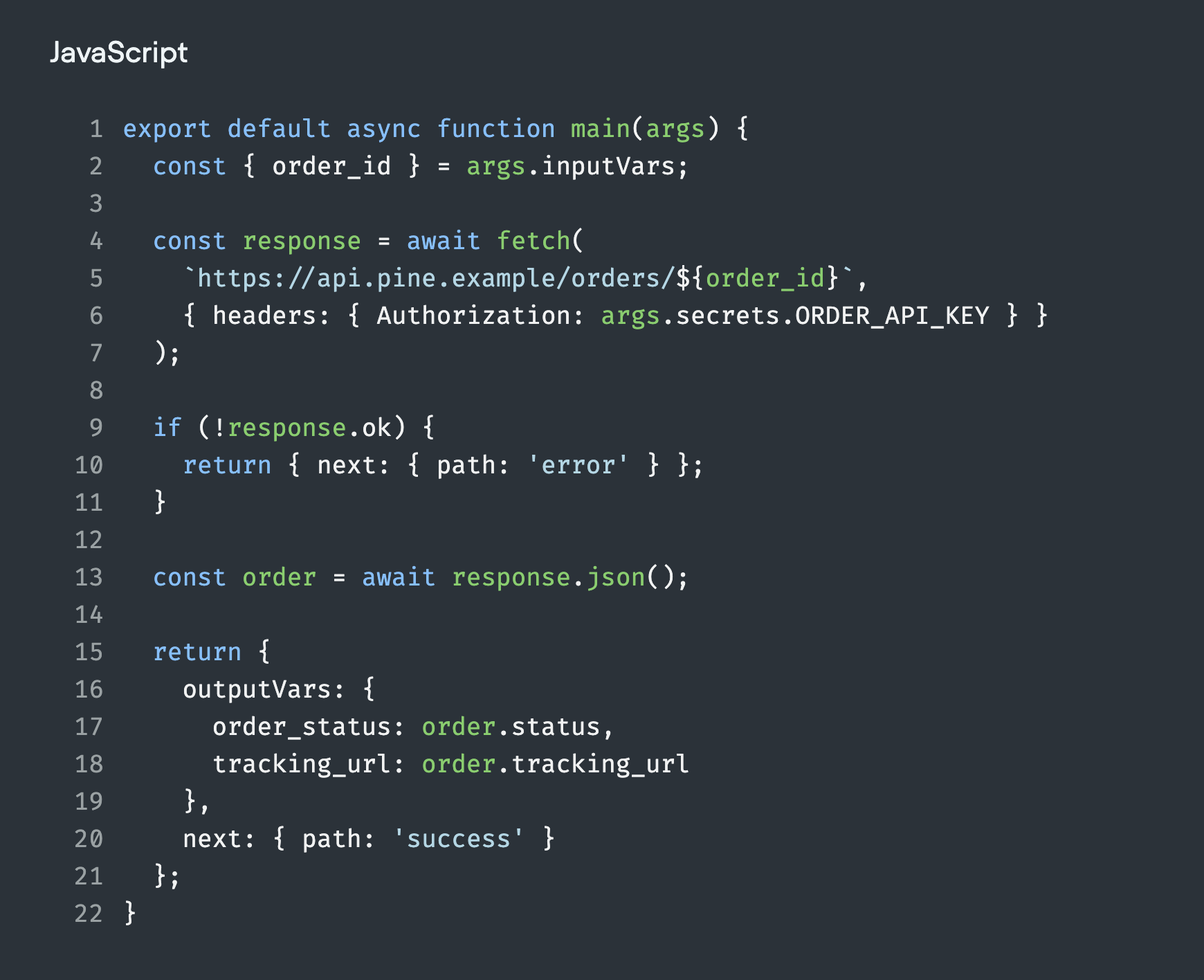
Connect your development tools through APIs, MCP and the CLI. Add custom functions for the business logic your agent needs.


Customer stories
See what teams achieve with Voiceflow.
See how teams use Voiceflow to resolve customer requests, save time, and scale support.
70% AI resolution rate.
Read story
70% help center tickets automated.
Read story82% bot satisfaction.
Read story45% offer-to-lead conversion.
Read story30 support hours saved per week.
Read story30% project time saved.
Read story
50% reduction in prototyping time.
Read story90 days from idea to launch.
Read storyHow Rocket Mortgage Accelerated their Team’s Conversation Design Workflow
Read storyHow Chase Uses Voiceflow to Run More Efficient, Inclusive Conversational AI Design Reviews
Read storyFAQ
Questions about the Voiceflow platform
What is Voiceflow?
Voiceflow is an AI agent platform for customer experience automation. Teams use it to build, test, deploy, and improve chat and voice agents in one workspace. Connect your business knowledge and tools so agents can answer questions, complete tasks, and bring in a person when needed.
What can I build with Voiceflow?
You can build AI agents for customer support, order tracking, returns, lead qualification, and other customer journeys. Agents can answer from your content, look up information, and take actions through connected systems. Configure human handoff for requests that need your team.
What makes Voiceflow different from a basic chatbot builder?
Voiceflow combines flexible AI reasoning with explicit control over business processes. Use playbooks for conversations that adapt to the customer and visual workflows for steps that must follow a defined path. Your team can build both together, connect tools, test behavior, and measure production outcomes in the same platform.
Do I need to code to use Voiceflow?
You can build agents with written instructions, visual workflows, and pre-built integrations without writing code. Developers can add custom functions, connect APIs, and build their own interfaces. Voiceflow also provides APIs, a CLI, and MCP for teams that want to automate their development workflow.
Can Voiceflow connect to our data and business tools?
Yes. Add websites, documents, tables, and help articles to a knowledge base so agents can answer from your content. Use integrations, API tools, or MCP to retrieve live data and take actions in systems such as Salesforce, Zendesk, Shopify, and HubSpot.
Where can I deploy a Voiceflow agent?
Deploy agents on your website with the chat widget, connect phone numbers for voice calls, or use Twilio for SMS. For mobile apps and custom interfaces, use the Conversations API. You define the agent’s behavior in Voiceflow, then connect the channels your customers use. See the channel quickstarts.
Can I choose which AI models my agents use?
Yes. Choose the model for your agent and override model settings for individual playbooks. This lets you balance quality, speed, and cost for different tasks. You can also choose separate models for transcript evaluations.
How do I test and improve my AI agents?
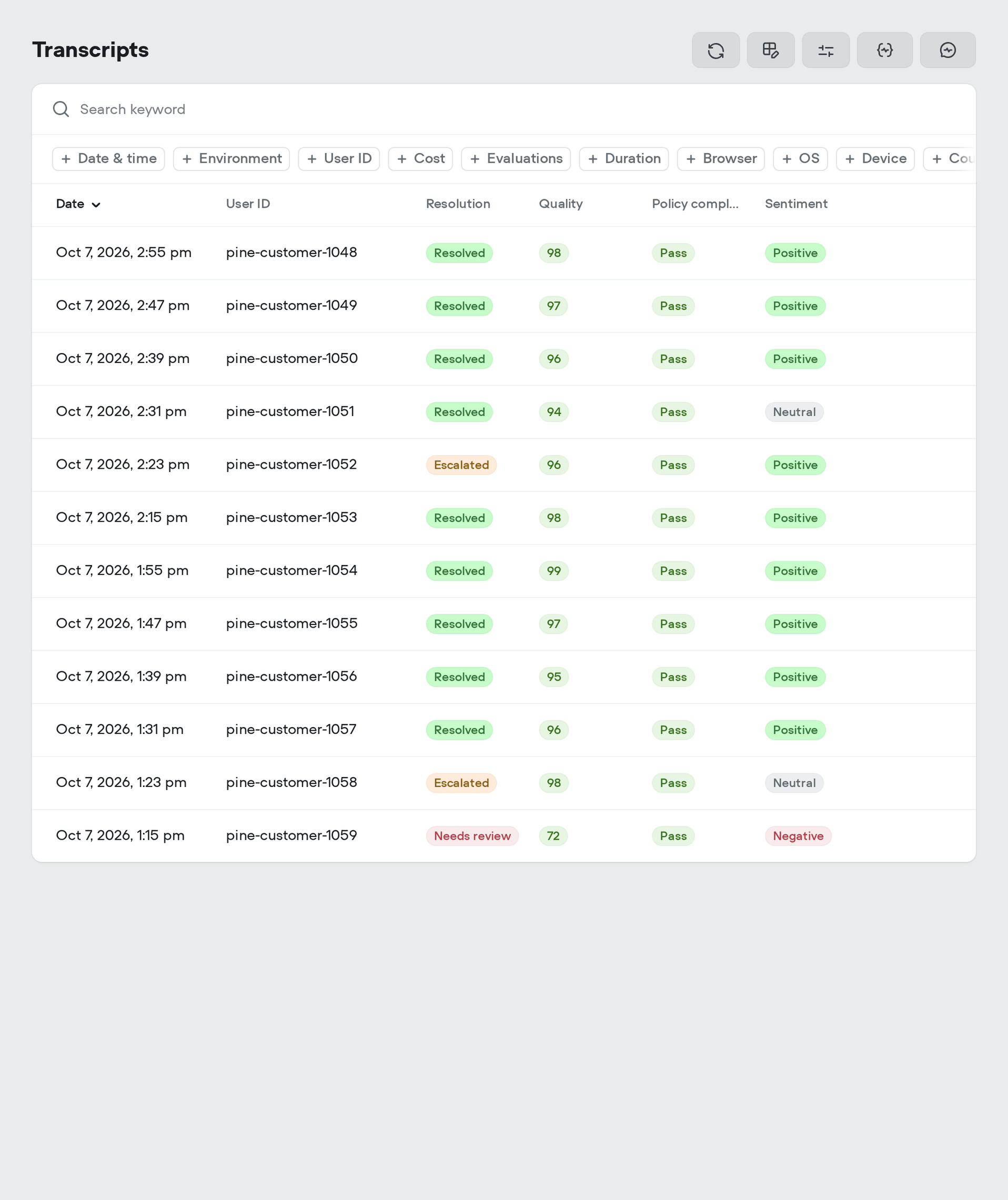
Use conversation tests and AI simulations to check responses, routing, and tool calls before release. After launch, use analytics, transcripts, and evaluations to find problems and measure outcomes. Work on changes in a draft or separate environment, then publish when you’re ready.
Can technical and non-technical teams work together in Voiceflow?
Yes. Support, design, product, engineering, and QA teams can work in shared Voiceflow workspaces. Editors build agents; viewers review projects and leave comments. Workspace roles and project permissions control access, while protected environments limit publishing and merging to workspace admins and owners.
How does Voiceflow protect customer data?
Voiceflow encrypts data in transit and at rest, provides role-based access controls, and offers SAML single sign-on for Enterprise organizations. Voiceflow does not use customer data to train AI models. Review our security practices and Trust Center for reports, certificates, and security documentation.
Learn more about Voiceflow
Explore the platform
Teams use Voiceflow to collaboratively design, develop, and launch impactful AI agents using any models and integrations.